This guide assumes Powershell 7+ (works on 5.1 too with one or two adjustments noted), git, and that you've published at least one module before even just to a file share.
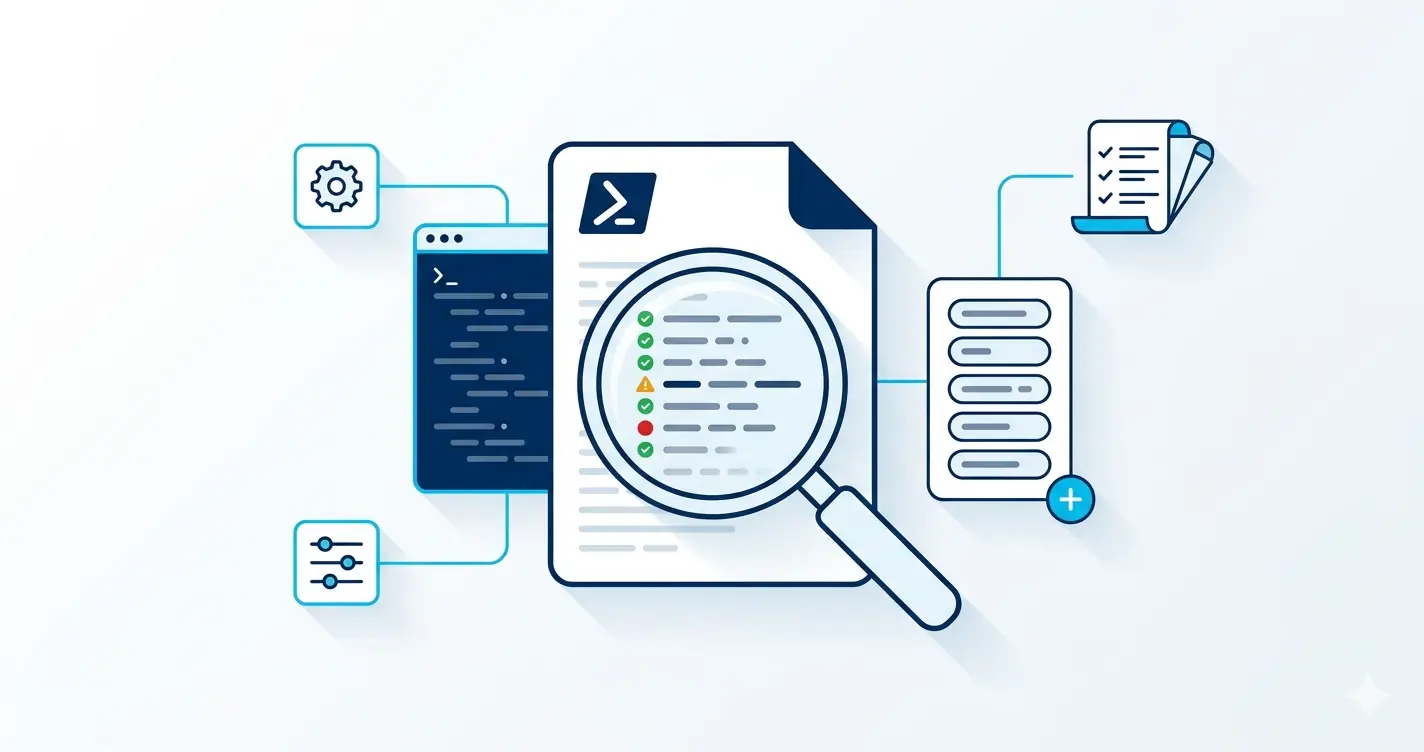
The first ten Powershell modules anyone writes are an .psm1 file with everything in it. The eleventh starts to want structure, tests, automatic builds, a changelog, semantic versioning, and a CI pipeline. Sampler is the scaffolding tool that gives you all of that in one New-SampleModule call, with sensible defaults that mirror how the largest open-source Powershell projects (DSC Community, Microsoft FAQ modules) actually ship code.
This is the long version: the layout, every component, the build.yaml knobs that matter, the Plaster template options, and how to wire it up to GitHub Actions or Azure DevOps end to end.
What Sampler Bundles
Sampler is a Plaster template (and a small support module) that scaffolds a project pre-wired with:
| Component | Role |
|---|---|
| InvokeBuild | Build orchestration the Invoke-Build task runner |
| ModuleBuilder | Composes source/*.ps1 into one .psm1 |
| Pester 5 | Unit + integration tests |
| PSScriptAnalyzer | Linting |
| PlatyPS | Markdown docs + external help XML |
| GitVersion | Semantic version derived from git history |
| ChangelogManagement | Keep-A-Changelog parser + bumper |
| Sampler.GitHubTasks | Releases, draft PRs, milestone management |
| DscResource.Test | "High Quality Resource Module" rule pack |
| Plaster | Re-runnable scaffolding for new sub-pieces |
Crucially, all of these are managed automatically via RequiredModules.psd1 and Resolve-Dependency.psd1. A clean clone bootstraps itself with one command.
Sampler scaffolds script modules. For binary modules in C#, see the C# module series. The two layouts are different on purpose; pick before you scaffold.
Install
Install-PSResource -Name Sampler -Repository PSGallery -Scope CurrentUser -TrustRepository
Sampler is itself a module its templates ship inside it.
Scaffold a New Module
$sampleParams = @{
    DestinationPath   = 'C:\src\MyOps'
    ModuleType        = 'CompleteSample'
    ModuleName        = 'MyOps'
    ModuleAuthor      = 'Ricardo Martin'
    ModuleDescription = 'Operational helpers'
    ModuleVersion     = '0.0.1'
    CustomRepo        = 'PSGallery'
    LicenseType       = 'MIT'
    SourceDirectory   = 'source'
}
New-SampleModule @sampleParams
-ModuleType is a ValidateSet the accepted values are:
| ModuleType | Use case |
|---|---|
SimpleModule |
Bare module with pipeline automation (the default) |
SimpleModule_NoBuild |
Single .psm1, no compose step |
CompleteSample |
Everything: tests, docs, changelog, CI |
dsccommunity |
DSC Community style strict, includes HQRM tests |
CompleteSample is the right default for almost any new project.
Two other parameters worth knowing:
-LicenseTypeMIT,Apache, orNone.-SourceDirectorysource(default) orsrc.-Featuresan alternative parameter set (ByFeature) that lets you cherry-pick fromEnum,Classes,DSCResources,ClassDSCResource,SampleScripts,git,Gherkin,UnitTests,ModuleQuality,Build,AppVeyor,TestKitchen, orAllinstead of picking a wholeModuleType.
What You Get The Layout
MyOps/
├── source/
│   ├── MyOps.psd1              # the manifest *template*
│   ├── Classes/                # PS classes - composed first
│   │   └── 01.Widget.ps1
│   ├── Enum/                   # composed before classes
│   │   └── Severity.ps1
│   ├── Public/                 # exported functions
│   │   └── Get-Widget.ps1
│   ├── Private/                # internal helpers
│   │   └── Format-Internal.ps1
│   └── en-US/                  # localized strings
│       └── MyOps.strings.psd1
├── tests/
│   ├── QA/                     # PSScriptAnalyzer + manifest tests
│   └── Unit/
│       └── Public/
│           └── Get-Widget.tests.ps1
├── output/                     # build artifacts (gitignored)
├── .build/                     # InvokeBuild task scripts
├── build.yaml                  # the brain
├── build.ps1                   # bootstrapper
├── RequiredModules.psd1        # build-time module deps
├── Resolve-Dependency.psd1     # how to resolve them
├── GitVersion.yml              # semantic versioning config
├── CHANGELOG.md                # Keep-A-Changelog format
├── README.md
├── LICENSE
└── azure-pipelines.yml         # or GH Actions, see below
Every part is intentional and configurable through build.yaml.
The Build Bootstrapper
# Bootstraps everything: dependencies, build, test, package
./build.ps1 -ResolveDependency -Tasks build
build.ps1 is a thin wrapper that:
- Reads
Resolve-Dependency.psd1and installs everything inRequiredModules.psd1into./output/RequiredModules. - Loads
build.yaml. - Hands off to
Invoke-Buildwith the requested tasks.
./output/RequiredModulesis local to the project. This is why a clean clone "just works" without polluting your global module path. The downside: it can be a few hundred MB. Addoutput/to.gitignore(Sampler does this for you).
build.yaml The Single Source of Truth
The single most important file in a Sampler project. Every component reads from it.
####################################################
#          ModuleBuilder Configuration             #
####################################################
CopyPaths:
  - en-US
  - DSCResources
Encoding: UTF8
VersionedOutputDirectory: true

####################################################
#       Sampler Pipeline Configuration             #
####################################################
BuildWorkflow:
  '.':
    - build
    - test

  build:
    - Clean
    - Build_Module_ModuleBuilder
    - Build_NestedModules_ModuleBuilder

  pack:
    - build
    - docs
    - package_psresource_nupkg

  test:
    - Pester_Tests_Stop_On_Fail
    - Convert_Pester_Coverage
    - hqrmtest

  publish:
    - Publish_release_to_GitHub
    - publish_module_to_gallery

####################################################
#                Pester                            #
####################################################
Pester:
  Configuration:
    Run:
      Path:
        - tests/Unit
    Output:
      Verbosity: Detailed
    CodeCoverage:
      CoveragePercentTarget: 75
      OutputPath: JaCoCo_coverage.xml
      OutputEncoding: ascii
      UseBreakpoints: false
    TestResult:
      OutputFormat: NUnitXml
      OutputEncoding: ascii
      OutputPath: NUnitXml_Test_Results.xml
  ExcludeFromCodeCoverage:
    - Modules/DscResource.Common

####################################################
#                ModuleBuilder                     #
####################################################
ModuleBuildTasks:
  Sampler:
    - '*.build.Sampler.ib.tasks'
  Sampler.GitHubTasks:
    - '*.ib.tasks'

####################################################
#                ChangelogManagement               #
####################################################
ChangelogConfig:
  FilesToIncludeInChangeLog:
    - CHANGELOG.md
  UpdateChangelogOnPrerelease: false

####################################################
#                GitHub Configuration              #
####################################################
GitHubConfig:
  GitHubFilesToAdd:
    - 'CHANGELOG.md'
  GitHubConfigUserName: rcfmartin
  GitHubConfigUserEmail: [email protected]
  UpdateChangelogOnPrerelease: false
The BuildWorkflow block defines named task aliases. Calling ./build.ps1 -Tasks pack runs build (which itself runs Clean → Build_Module → ...), then docs, then package_psresource_nupkg. Compose any pipeline you need from the available tasks the names are passed straight to Invoke-Build.
ModuleBuilder The Compose Step
ModuleBuilder is the part that surprises people coming from one-big-.psm1 modules. You write each function in its own .ps1 file under source/Public/, source/Private/, etc. at build time, ModuleBuilder concatenates them, in a deterministic order, into a single output/MyOps/<version>/MyOps.psm1.
Composition order:
source/Header.ps1(if present)source/Enum/*.ps1(sorted)source/Classes/*.ps1(sorted by name that's why people prefix01.,02.for inheritance order)source/Private/**/*.ps1source/Public/**/*.ps1source/Footer.ps1(if present)- The
Export-ModuleMember -Function (Get-ChildItem source/Public/*.ps1).BaseNameline is auto-generated.
Public functions are auto-exported by filename. Drop
Get-Widget.ps1insource/Public/andGet-Widgetis exported. NoExport-ModuleMemberto maintain. This is the single biggest readability win over hand-rolled module structures.
The composed .psm1 is what ships. It's a single file at runtime fast to load, easy to debug but you maintain it as one-function-per-file.
Manifest Templating
source/MyOps.psd1 is a Plaster-templated manifest. ModuleBuilder rewrites it during the build:
@{
    RootModule        = 'MyOps.psm1'
    ModuleVersion     = '0.0.1'         # replaced with GitVersion result
    GUID              = '...'
    Author            = 'Ricardo Martin'
    Description       = 'Operational helpers'
    PowerShellVersion = '5.1'
    FunctionsToExport = @()             # replaced from source/Public/*.ps1
    CmdletsToExport   = @()
    VariablesToExport = @()
    AliasesToExport   = @()
    PrivateData = @{
        PSData = @{
            Tags         = @('PSEdition_Desktop', 'PSEdition_Core')
            ProjectUri   = 'https://github.com/rcfmartin/MyOps'
            LicenseUri   = 'https://github.com/rcfmartin/MyOps/blob/main/LICENSE'
            ReleaseNotes = ''           # replaced from CHANGELOG.md
            Prerelease   = ''           # filled in for prerelease builds
        }
    }
}
Don't edit ModuleVersion, FunctionsToExport, or ReleaseNotes by hand they're rewritten on every build.
GitVersion Semantic Versioning From Git
GitVersion.yml config:
mode: ContinuousDeployment
next-version: 1.0.0
branches:
  main:
    tag: ''
    increment: Patch
  development:
    tag: preview
    increment: Minor
  pull-request:
    tag: PR
ignore:
  sha: []
What it does at build time:
- Walks the git history.
- Infers the next version from commit messages (
+semver: major,+semver: minor, conventional commits). - Stamps that version into
MyOps.psd1andoutput/MyOps/<version>/.
A commit message like:
Add Get-Widget cmdlet

+semver: minor
bumps the minor version on the next build. Tag-driven workflows work too git tag v1.4.7 → next build is exactly 1.4.7.
Stop choosing version numbers by hand. GitVersion + commit message hints means the version is always derivable from the repo. CI never has to ask "what version is this?"
ChangelogManagement Keep-A-Changelog as a Build Artifact
CHANGELOG.md follows the Keep-A-Changelog format:
# Changelog

## [Unreleased]
### Added
- `Get-Widget` cmdlet for fetching widgets.

### Fixed
- Edge case in `Format-Internal` when input is empty.

## [1.4.6] - 2026-03-15
### Added
- Initial widget support.
The Create_changelog_release_output build task:
- Parses the
[Unreleased]block. - Stamps it into the manifest's
ReleaseNotes. - On a release, moves it under a new
[<version>] <date>heading. - Optionally opens a PR with the changelog update.
You write changelog entries as part of every PR (a Sampler-generated CI check enforces it). The release flow is fully derived.
Pester Pre-Wired Test Layout
The tests/QA/ folder ships with sanity tests Sampler runs by default:
- module.tests.ps1 manifest validity, function exports match
source/Public/. - ScriptAnalyzer.tests.ps1 runs PSScriptAnalyzer against
output/MyOps/<version>, fails on errors. - help.tests.ps1 every public function must have comment-based help.
For your own tests, the convention is one *.tests.ps1 per *.ps1:
source/Public/Get-Widget.ps1
tests/Unit/Public/Get-Widget.Tests.ps1
The test file:
BeforeAll {
    $script:dscModuleName = 'MyOps'
    Import-Module -Name $script:dscModuleName -Force -ErrorAction Stop
}

AfterAll {
    Remove-Module -Name $script:dscModuleName -Force
}

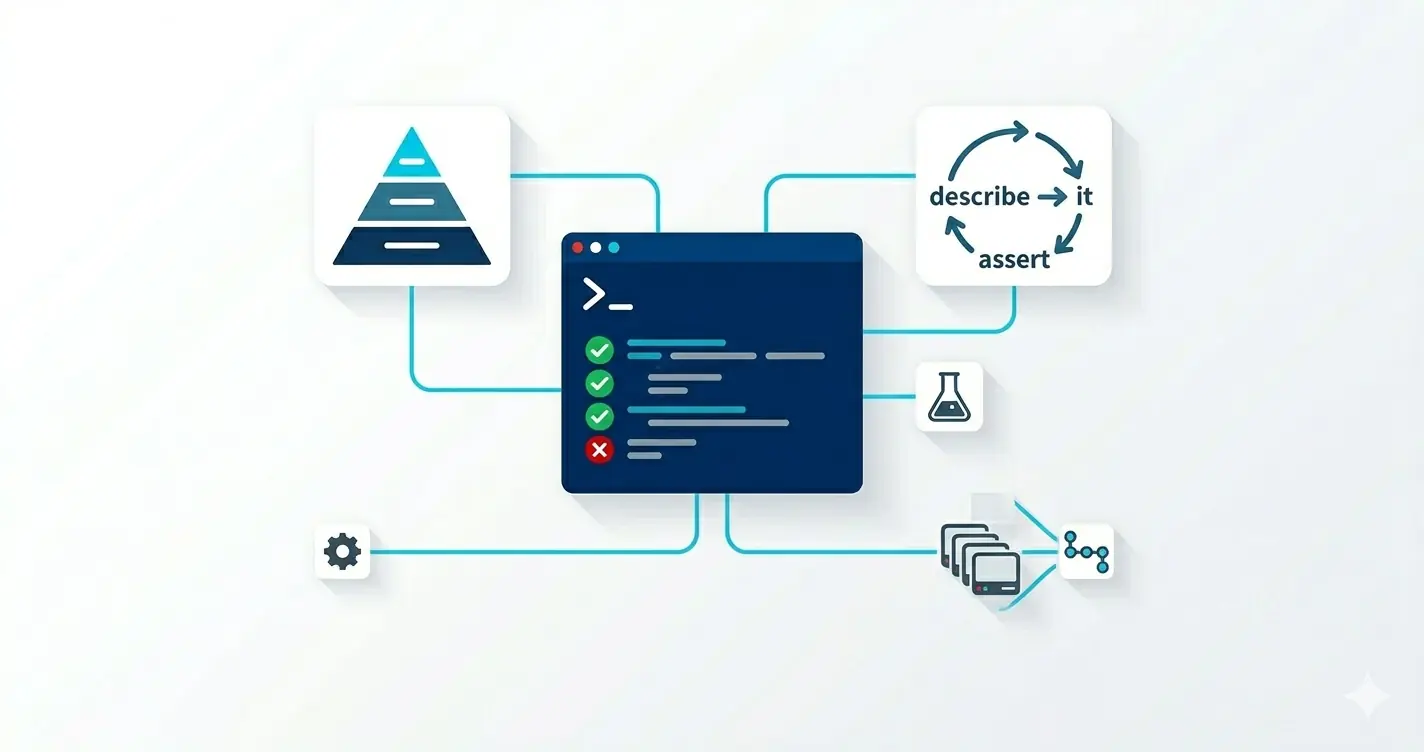
Describe 'Get-Widget' {
    It 'returns a widget by name' {
        $w = Get-Widget -Name 'foo'
        $w | Should -Not -BeNullOrEmpty
    }
}
Pester runs against the built module from output/, not the source files. This catches "works in the editor, breaks after compose" bugs that one-.psm1 modules don't have.
Refresher on Pester patterns lives in the Pester post. Sampler doesn't change Pester it just configures it.
PlatyPS Markdown Docs as the Source of Truth
./build.ps1 -Tasks docs generates docs/MyOps/Get-Widget.md from each function's comment-based help. Edit the markdown, regenerate the help XML, ship both.
# Generate markdown from existing help
New-MarkdownHelp -Module MyOps -OutputFolder ./docs

# Update markdown when functions change
Update-MarkdownHelp ./docs

# Generate the .xml that Get-Help reads
New-ExternalHelp -Path ./docs -OutputPath ./output/MyOps/<version>/en-US
The Publish_GitHub_WikiContent task pushes the markdown to your GitHub wiki on release. The wiki and the in-shell Get-Help are the same content, generated once.
Required Modules
RequiredModules.psd1:
@{
    # PSDependOptions is only used if you fall back to PowerShellGet + PSDepend.
    # With the modern default (PSResourceGet, see Resolve-Dependency.psd1) it's ignored.
    #PSDependOptions                = @{
    #    AddToPath  = $true
    #    Target     = 'output\RequiredModules'
    #    Parameters = @{ Repository = 'PSGallery' }
    #}

    InvokeBuild                          = 'latest'
    PSScriptAnalyzer                     = 'latest'
    Pester                               = 'latest'
    Plaster                              = 'latest'
    ModuleBuilder                        = 'latest'
    MarkdownLinkCheck                    = 'latest'
    ChangelogManagement                  = 'latest'
    'Sampler.GitHubTasks'                = 'latest'
    'DscResource.Test'                   = 'latest'
    'DscResource.AnalyzerRules'          = 'latest'
    xDscResourceDesigner                 = 'latest'
    PlatyPS                              = 'latest'
    'DscResource.DocGenerator'           = 'latest'
    'Microsoft.PowerShell.PSResourceGet' = 'latest'
}
Resolve-Dependency.psd1 controls how they get installed. The modern defaults:
@{
    Gallery          = 'PSGallery'
    AllowPrerelease  = $false
    WithYAML         = $true
    UsePSResourceGet = $true
    # UseModuleFast          = $true      # alternative, commented by default
    # ModuleFastBleedingEdge = $false
    # PSResourceGetVersion   = 'latest'
    # RegisterGallery        = @{ ... }   # private NuGet feeds
}
UsePSResourceGet = $trueis the current Sampler default, replacing the older PowerShellGet + PSDepend bootstrap.PSResourceGet(formerly PowerShellGet v3) parallelizes dependency installs natively a clean-clone bootstrap drops from roughly a minute to ~10–20s.
To revert to PowerShellGet + PSDepend, remove the UsePSResourceGet line (or set it to $false) and un-comment the PSDependOptions block in RequiredModules.psd1.
Pre-built Tasks Worth Knowing
The *.ib.tasks files inside Sampler ship dozens of named tasks. The ones you'll use most:
| Task | What it does |
|---|---|
Clean |
Wipe output/MyOps/ |
Build_Module_ModuleBuilder |
Compose source → .psm1 + manifest stamping |
Build_NestedModules_ModuleBuilder |
Same, for NestedModules under output/ |
Pester_Tests_Stop_On_Fail |
Run Pester, fail build on red |
Convert_Pester_Coverage |
Convert Pester coverage output for CI |
hqrmtest |
Run the HQRM (DSC High-Quality Resource Module) rule pack |
package_psresource_nupkg |
Pack the module folder as a PSResource nupkg |
Publish_release_to_GitHub |
Create a GitHub release with changelog notes |
publish_module_to_gallery |
Publish to PSGallery (or the CustomRepo feed) |
Publish_GitHub_WikiContent |
Push docs to GitHub wiki |
Mix and match in BuildWorkflow: aliases.
CI GitHub Actions
Sampler scaffolds .github/workflows/release.yml for the CompleteSample template. The shape:
name: Release
on:
  push:
    branches: [main]
    tags: ['v*']
  pull_request:
    branches: [main]

jobs:
  build_test:
    strategy:
      matrix:
        os: [ubuntu-latest, windows-latest, macos-latest]
    runs-on: ${{ matrix.os }}
    steps:
      - uses: actions/checkout@v4
        with: { fetch-depth: 0 }      # GitVersion needs full history
      - uses: actions/setup-dotnet@v4
        with: { dotnet-version: '8.x' }
      - shell: pwsh
        run: ./build.ps1 -ResolveDependency -Tasks build,test
      - uses: actions/upload-artifact@v4
        with:
          name: module-${{ matrix.os }}
          path: output/MyOps/

  publish:
    needs: build_test
    if: startsWith(github.ref, 'refs/tags/v')
    runs-on: ubuntu-latest
    steps:
      - uses: actions/checkout@v4
        with: { fetch-depth: 0 }
      - shell: pwsh
        env:
          GITHUB_TOKEN:    ${{ secrets.GITHUB_TOKEN }}
          GalleryApiToken: ${{ secrets.PSGALLERY_TOKEN }}
        run: ./build.ps1 -ResolveDependency -Tasks publish
Three things worth noting:
fetch-depth: 0GitVersion requires the full git history. With the default shallow clone it can't compute the version.- Matrix builds across Windows / Ubuntu / macOS Sampler's defaults work cross-platform out of the box.
- Tag-triggered publish branch builds test; only
git tag v1.4.7ships.
CI Azure DevOps
The azure-pipelines.yml Sampler generates is similar same task structure, just YAML for pwsh script steps:
trigger:
  branches: { include: ['main'] }
  tags:     { include: ['v*'] }

stages:
  - stage: Build
    jobs:
      - job: Build_Test
        strategy:
          matrix:
            Linux:   { vmImage: 'ubuntu-latest' }
            Windows: { vmImage: 'windows-latest' }
        pool: { vmImage: $(vmImage) }
        steps:
          - checkout: self
            fetchDepth: 0
          - pwsh: ./build.ps1 -ResolveDependency -Tasks build,test
          - publish: output/MyOps
            artifact: 'module-$(Agent.OS)'

  - stage: Deploy
    dependsOn: Build
    condition: and(succeeded(), startsWith(variables['Build.SourceBranch'], 'refs/tags/v'))
    jobs:
      - deployment: Publish
        environment: 'production'
        strategy:
          runOnce:
            deploy:
              steps:
                - pwsh: ./build.ps1 -ResolveDependency -Tasks publish
                  env:
                    GalleryApiToken: $(GalleryApiToken)
                    GitHubToken:     $(GitHubToken)
Adding to an Existing Project
New-SampleModule scaffolds new projects. For incremental additions to an existing module, Sampler exposes two entry points:
New-SamplerPipelineadd the build/test/release pipeline to a project that wasn't scaffolded with Sampler originally.Add-Samplethe more granular one, drops a specific Plaster sub-template into the current project.
The sub-templates that ship with Sampler (Sampler/Templates/):
Build                       ClassFolderResource        Classes
Composite                   Enum                       Examples
GCPackage                   Git                        GithubConfig
HelperSubModules            MofResource                PrivateFunction
PublicCallPrivateFunctions  PublicFunction             Sampler
VscodeConfig                ChocolateyPackage          ChocolateyPipeline
ClassResource
Typical uses: Add-Sample with PublicFunction to drop a new function skeleton (including its Pester test); MofResource or ClassResource to add a DSC resource; ChocolateyPipeline to add Chocolatey packaging; GithubConfig to drop the GitHub Actions workflow into an existing repo.
A common path: scaffold with -ModuleType SimpleModule, then Add-Sample the pieces you need as the project grows.
Build Once, Run Locally
The full inner-loop:
# First time
./build.ps1 -ResolveDependency -Tasks noop

# Build + test
./build.ps1 -Tasks build,test

# Just build
./build.ps1 -Tasks build

# Just test
./build.ps1 -Tasks test

# Show all available tasks
./build.ps1 -Help
After a successful build, the module is at output/MyOps/<version>/. To use it locally:
Import-Module ./output/MyOps/<version>/MyOps.psd1 -Force
Get-Widget -Name foo
-Force matters without it, Powershell uses the previously loaded copy.
Common Pitfalls
- Editing the manifest by hand and losing changes. ModuleBuilder rewrites it on every build. Put your edits in
source/MyOps.psd1(the template) instead. - Forgetting
fetch-depth: 0in CI. GitVersion fails silently and your version stays at0.0.1. - One function spread across multiple
.ps1files. ModuleBuilder concatenates everything; class definitions split across files don't survive composition. One function or class per file. - Mixing Pester 4 and 5 syntax. Sampler is Pester 5. The Pester post covers the trap.
- Publishing without rotating the gallery API key. The
GalleryApiTokensecret is long-lived; treat it like the PSK keys in the PSK/TLS post rotate it periodically. - Adding
output/to git. It's intentionally.gitignored. If you commit it, every build creates a giant diff.
Why This Matters
The five things Sampler quietly solves that nobody writes scripts to fix on their own:
- One function per file is more maintainable than one massive
.psm1. ModuleBuilder reconciles that with "ship one fast file at runtime." - Versions derived from git stop drift between manifest, tag, gallery, and changelog.
- Pester runs against the built artifact catches every "works in source, breaks at runtime" bug.
- CI is identical to local. Sampler's
./build.ps1is the exact same script CI runs. No "it worked in the pipeline" mysteries. - The default rule set is what HQRM modules use. You inherit the bar that the most rigorous Powershell open-source projects already meet.
Production-Grade Reference Modules to Steal From
The clearest way to learn Sampler is reading existing modules built with it. A few worth pulling down:
- DSC Community modules (
PSDesiredStateConfiguration,ComputerManagementDsc,ActiveDirectoryDsc) the original consumers of Sampler, set the conventions. - Sampler itself bootstrapped with itself.
- Datum (config compiler) non-DSC use of Sampler at scale.
Clone any of these, run ./build.ps1 -ResolveDependency -Tasks build, and watch what each task does. Reading the build.yaml of a real project teaches more than any docs site.
What to Do Next
Sampler isn't magic it's a curated bundle of tools (Plaster, InvokeBuild, ModuleBuilder, Pester, PSScriptAnalyzer, GitVersion, ChangelogManagement, PlatyPS) wired together with sensible defaults. The win is that every Powershell module you start from New-SampleModule -ModuleType CompleteSample has the same layout, the same build commands, the same CI shape, and the same release process. Once a team adopts it, contributing to a new module feels exactly like contributing to the last one and that's the productivity multiplier nobody talks about until they've had it.
Three concrete moves to adopt Sampler for your team this week:
- Generate a single throwaway module with
New-SampleModule -ModuleType CompleteSample. Don't try to retrofit an existing repo on the first pass. Run./build.ps1 -ResolveDependency -Tasks build,testagainst the generated skeleton, watch what each task does, and read thebuild.yamlline by line. That's the curriculum. - Pick one existing module and migrate it. The boring one without active changes. Move sources into
source/Publicandsource/Private, copy thebuild.yaml, run the tasks, fix what breaks. The first migration is the painful one; the next ten are mechanical. - Standardise the CI on the same
build.ps1invocation. Whatever pipeline you use (GitHub Actions, Azure DevOps, GitLab, Jenkins), the job is the same three lines: bootstrap dependencies, runbuild.ps1 -Tasks build,test, publish on tags. Once every module's CI is one line different, onboarding a new module to CI takes minutes, not days.
Pairs naturally with the Pester tests post (which is already wired in by default) and the Script Analyzer post (which Sampler runs as part of every build, so the linter rules you set there apply to every module the moment it's bootstrapped).