This guide assumes you've read the first compiled-module post and the Pester post, and have a binary module on .NET 10 you'd like to put under test.
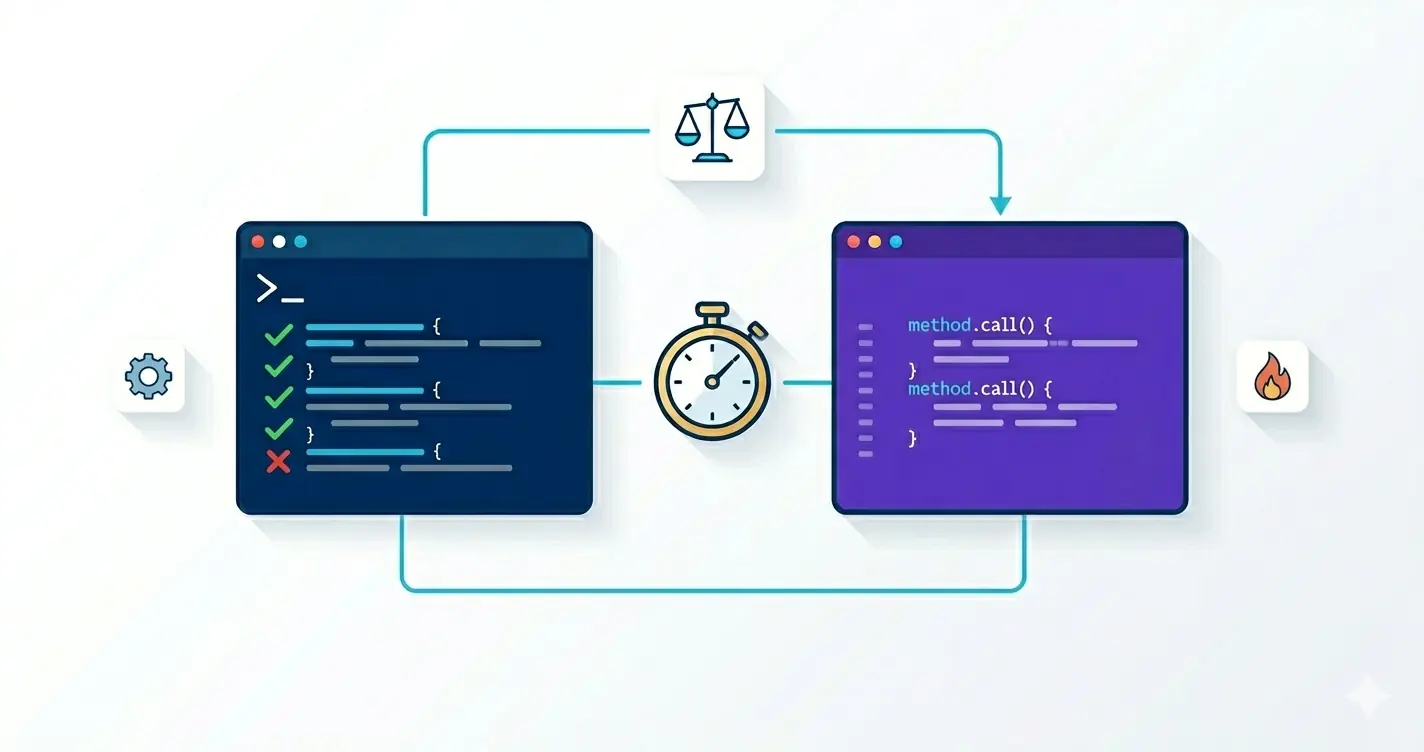
A compiled module has two failure modes: the C# logic is wrong, or the cmdlet plumbing around it is wrong. Each needs a different test. This post is about wiring up both xUnit for the .NET internals where it shines, and Pester for the end-to-end cmdlet experience that nothing else really covers.
Rule of thumb: if a test would still make sense if you reused the code from a non-Powershell app, write it in xUnit. If it asserts on cmdlet behavior parameters binding, pipeline output, streams, errors write it in Pester.
Project Layout
MyOps/
├── src/
│   ├── MyOps.csproj                # net10.0
│   └── ...
└── tests/
    ├── MyOps.UnitTests/            # xUnit, internals
    │   └── MyOps.UnitTests.csproj
    └── MyOps.IntegrationTests/     # Pester, end-to-end
        ├── MyOps.Tests.ps1
        └── helpers.psm1
Layer 1 xUnit for Pure Logic
The cmdlet should be a thin shell over real C# classes. Test the classes, not the cmdlet:
// src/Internal/WidgetParser.cs
internal static class WidgetParser
{
    public static Widget Parse(string raw) =>
        raw.Split(':') switch
        {
            [var name, var idx] when int.TryParse(idx, out var n) => new Widget(name, n),
            _ => throw new FormatException($"Cannot parse widget '{raw}'"),
        };
}
// tests/MyOps.UnitTests/WidgetParserTests.cs
public sealed class WidgetParserTests
{
    [Theory]
    [InlineData("foo:1", "foo", 1)]
    [InlineData("bar:42", "bar", 42)]
    public void Parses_valid_input(string input, string name, int idx)
    {
        var w = WidgetParser.Parse(input);
        Assert.Equal(name, w.Name);
        Assert.Equal(idx,  w.Index);
    }

    [Theory]
    [InlineData("")]
    [InlineData("no-colon")]
    [InlineData("foo:notanumber")]
    public void Rejects_invalid_input(string input) =>
        Assert.Throws<FormatException>(() => WidgetParser.Parse(input));
}
To make internal classes visible from the test project, add to src/MyOps.csproj:
<ItemGroup>
  <InternalsVisibleTo Include="MyOps.UnitTests" />
</ItemGroup>
(Project SDKs since net5.0 accept InternalsVisibleTo directly in the csproj no AssemblyInfo.cs needed.)
The test project itself:
<Project Sdk="Microsoft.NET.Sdk">
  <PropertyGroup>
    <TargetFramework>net10.0</TargetFramework>
    <Nullable>enable</Nullable>
    <IsPackable>false</IsPackable>
  </PropertyGroup>
  <ItemGroup>
    <PackageReference Include="Microsoft.NET.Test.Sdk" Version="17.*" />
    <PackageReference Include="xunit" Version="2.*" />
    <PackageReference Include="xunit.runner.visualstudio" Version="2.*" />
    <ProjectReference Include="..\..\src\MyOps.csproj" />
  </ItemGroup>
</Project>
dotnet test tests/MyOps.UnitTests
This is where you put the high-volume stuff: parsers, validators, calculations, anything that's going to run a million times. xUnit is faster than Pester by an order of magnitude per test.
Layer 2 Pester for End-to-End Cmdlet Behavior
xUnit can't easily assert on parameter binding, pipeline behavior, or Powershell-specific quirks. For those, drive the actual cmdlet from Pester:
# tests/MyOps.IntegrationTests/MyOps.Tests.ps1
Describe 'Get-Widget' {
    BeforeAll {
        $modulePath = Resolve-Path "$PSScriptRoot/../../src/bin/Release/net10.0/MyOps.psd1"
        Import-Module $modulePath -Force
    }

    It 'returns N widgets when MaxCount = N' {
        $result = Get-Widget -Name 'foo' -MaxCount 3
        $result.Count | Should -Be 3
        $result[0].Name | Should -Be 'foo'
    }

    It 'accepts pipeline input by value' {
        $result = 'a','b','c' | Get-Widget -MaxCount 1
        $result.Name | Should -Be @('a','b','c')
    }

    It 'rejects MaxCount > 100 with a parameter binding error' {
        { Get-Widget -Name 'x' -MaxCount 101 } |
            Should -Throw -ErrorId '*ValidationRangeError*'
    }
}
Always
Import-Module -ForceinBeforeAll. Without-Force, you'll re-test the previous build's DLL because the assembly is already loaded in the test process andImport-Moduleshort-circuits.
The Reload Problem
A binary module loaded into a process can't be replaced until the process exits. That breaks the inner loop: build, test, change C#, rebuild, re-run Pester the second test run uses the old DLL.
Two practical fixes:
A. Run Pester in a fresh pwsh per cycle. This is what CI does anyway:
pwsh -NoProfile -Command "Invoke-Pester -Path ./tests/MyOps.IntegrationTests"
B. Use a dedicated AssemblyLoadContext for development if you really want hot reload. Heavy machinery, only worth it on huge modules. For most teams, fix A is sufficient.
A Tiny Fake Host for Stream Assertions
Some tests want fine-grained access to what hit WriteObject, WriteError, WriteVerbose. Driving the cmdlet through a Powershell instance gives you that:
Describe 'Get-Widget streams' {
    BeforeAll {
        Import-Module "$PSScriptRoot/../../src/bin/Release/net10.0/MyOps.psd1" -Force
    }

    It 'writes verbose for each item' {
        $ps = [System.Management.Automation.PowerShell]::Create()
        try
        {
            $ps.AddCommand('Get-Widget')
               .AddParameter('Name', 'x')
               .AddParameter('MaxCount', 2)
               .AddParameter('Verbose', $true)

            $output  = $ps.Invoke()
            $verbose = $ps.Streams.Verbose

            $output.Count          | Should -Be 2
            $verbose.Count         | Should -BeGreaterThan 0
            $verbose[0].Message    | Should -Match 'widget'
        } finally {
            $ps.Dispose()
        }
    }
}
The $ps.Streams.* collections (Verbose, Warning, Information, Debug, Error, Progress) capture exactly what the cmdlet emitted. This is the only way to write tight assertions on stream contents.
Asserting on WriteError Without Throwing
Non-terminating errors don't throw they show up in $Error and the ErrorVariable. Pester pattern:
It 'writes a non-terminating error for missing widget' {
    Get-Widget -Name 'does-not-exist' -ErrorAction SilentlyContinue -ErrorVariable err
    $err.Count                    | Should -Be 1
    $err[0].FullyQualifiedErrorId | Should -Match 'WidgetNotFound'
}
Stable error IDs (the second arg you passed to new ErrorRecord(...)) are what makes this assertion robust. Mismatched error IDs are the most common test failure on a refactor keep them in a shared internal static class ErrorIds so xUnit and Pester both reference the same constants.
Mocking Out External Dependencies
For a cmdlet that talks to the network, the real call doesn't belong in tests. Inject the dependency through a constructor and pass a fake from xUnit. For Pester, the simplest path is a test-only env var that switches the cmdlet to a stub backend:
private static IWidgetSource CreateSource() =>
    Environment.GetEnvironmentVariable("MYOPS_FAKE_SOURCE") == "1"
        ? new FakeWidgetSource()
        : new HttpWidgetSource();
BeforeAll { $env:MYOPS_FAKE_SOURCE = '1' }
AfterAll  { Remove-Item env:MYOPS_FAKE_SOURCE }
The cleaner approach is module-scoped configuration via a cmdlet (
Set-WidgetSource). The env-var trick is the pragmatic fallback when the module wasn't designed with a seam.
Cancellation Tests
The hardest cmdlet behavior to test is "Ctrl-C cancels promptly". The Powershell SDK lets you simulate it:
It 'cancels long fetch within 200ms of stop' {
    $ps = [System.Management.Automation.PowerShell]::Create()
    try
    {
        $ps.AddCommand('Get-RemoteWidget').AddParameter('Url', 'https://slow.example.com/')

        $async = $ps.BeginInvoke()
        Start-Sleep -Milliseconds 100
        $sw = [System.Diagnostics.Stopwatch]::StartNew()
        $ps.Stop()
        $sw.Stop()

        $sw.ElapsedMilliseconds | Should -BeLessThan 200
    } finally { $ps.Dispose() }
}
This is the test that catches "I forgot to call _cts.Cancel() in StopProcessing" before a user does.
Code Coverage Across Both Layers
For xUnit, use coverlet:
dotnet test tests/MyOps.UnitTests \
    --collect:"XPlat Code Coverage" \
    -- DataCollectionRunSettings.DataCollectors.DataCollector.Configuration.Format=cobertura
For Pester, the configuration object from the Pester post handles it:
$config = New-PesterConfiguration
$config.CodeCoverage.Enabled    = $true
$config.CodeCoverage.Path       = './src/bin/Release/net10.0/MyOps.dll'
$config.CodeCoverage.OutputPath = './pester-coverage.xml'
Invoke-Pester -Configuration $config
Pester can compute coverage on the .dll, but the reports are noisier than what you'll get from the .NET tooling. Treat the xUnit numbers as authoritative for C# coverage and use Pester coverage as a "did the cmdlet entry points actually run" check.
The CI Job
Drop into the pipeline from the publish post:
test:
  stage: test
  image: mcr.microsoft.com/powershell:lts-10.0
  script:
    - dotnet test tests/MyOps.UnitTests -c Release --logger "junit;LogFilePath=unit.xml" --collect:"XPlat Code Coverage"
    - dotnet build src -c Release /p:Version=$VERSION
    - pwsh -NoProfile -Command "
        Install-PSResource -Name Pester -Version '[5.5.0,)' -TrustRepository -Reinstall;
        Invoke-Pester -Path ./tests/MyOps.IntegrationTests -Output Detailed -CI
      "
  artifacts:
    when: always
    reports:
      junit:
        - unit.xml
        - testResults.xml
Both layers run on every commit; only signing and publishing run on tags.
What Each Layer Catches
- xUnit catches: parser bugs, calculation errors, hash collisions, off-by-one, edge cases on internal helpers. Fast feedback, runs in ms.
- Pester catches: parameter binding mistakes, missing pipeline support, broken streams, bad error IDs, manifest drift, regressions in the install-and-run flow.
If a regression slips through both, it's almost always because the test was missing not because the framework couldn't catch it. Add the missing test, push, move on.
What to Do Next
A two-layer test strategy gives you the speed of xUnit for the C# logic and the realism of Pester for the cmdlet experience. Make internals visible to the unit tests, drive the cmdlet through [System.Management.Automation.PowerShell] for stream-level assertions, run the integration suite in a fresh pwsh per cycle, and treat error IDs as a public contract. With those four habits, refactoring a binary module stops being terrifying the tests will tell you the second something behaviorally changes.
Three concrete moves on the next module that doesn't have this yet:
- Add
InternalsVisibleTofor the unit test project today. It's a single line in thecsprojand unlocks the entire layer of fast tests against your parsers, validators, and helpers. There's no reason to test those through the cmdlet boundary. - Write one Pester test that asserts an error ID, not a message string. Error IDs are the part of your cmdlet contract that scripts actually depend on. Lock them down once and you can rewrite messages freely without breaking consumers.
- Run the integration suite in a fresh
pwsh -NoProfileper test file. Module-cache state across tests is the most common source of "passes locally, fails in CI" stories. A clean process per file costs seconds and removes a whole class of false negatives.
Pairs naturally with the Pester tests post (the script-side framework you're now using as the integration layer) and the Sampler post (which gives you the build-test-sign pipeline this strategy plugs into without any extra wiring).