This guide assumes the .NET 10 SDK installed (
dotnet --versionreturns10.x), Powershell 7.6+ , and that you've written at least one advanced function in script.
Most "compiled module" tutorials still target netstandard2.0 so they work on Windows Powershell 5.1. That hasn't been the right answer for years. Modern Powershell pairs each release with a specific .NET: PS 7.4 → .NET 8, PS 7.5 → .NET 9, PS 7.6 → .NET 10. Each runtime ships native AOT support, and netstandard2.0 is now a constraint, not a baseline. This post builds a real binary module against net10.0 which means it loads in Powershell 7.6 and later. If you need compatibility with older PS hosts, multi-target (shown below).
The previous post covered why .NET calls are faster than cmdlets. A compiled module is the same idea taken to its conclusion: ship the .NET code as the cmdlet itself, no script wrapper.
When a Compiled Module Is the Right Answer
| Signal | Compiled? |
|---|---|
| Hot loops, > 100k iterations per call | Yes |
| Heavy use of P/Invoke or third-party .NET libraries | Yes |
| You want strong typing, refactoring, real unit tests | Yes |
| You ship to teams who can't read Powershell well | Yes |
| You're orchestrating other cmdlets | Script |
| You want hot-edit-and-reload | Script |
| 50 lines of glue between two REST calls | Script |
A common pattern: the engine (parsing, transforming, talking to a service) lives in C#; the shell (composition, pipelining other cmdlets, scheduled jobs) stays in scripts that import the binary module.
Project Layout
MyOps/
├── src/
│   ├── MyOps.psd1                  # the module manifest (hand-written)
│   ├── MyOps.csproj                # SDK-style project
│   └── Cmdlets/
│       ├── GetWidgetCmdlet.cs
│       └── NewWidgetCmdlet.cs
├── tests/
│   └── MyOps.Tests/
│       └── MyOps.Tests.csproj
└── README.md
Scaffold with the dotnet CLI
The dotnet CLI creates the csproj and folder skeleton in three commands. Run these from an empty MyOps/ directory:
dotnet new classlib -n MyOps -o src -f net10.0
dotnet add src/MyOps.csproj package PowerShellStandard.Library --version 5.1.1
rm src/Class1.cs
dotnet new classlibcreates an SDK-style project targetingnet10.0. The-o srcflag puts it in asrc/subfolder so tests and docs have room to live alongside it.dotnet add packagereferencesPowerShellStandard.Librarythe reference assembly forSystem.Management.Automation.Class1.csis the default template file; delete it so your ownCmdlets/folder is the only source.
Mark the package as a private asset so it doesn't leak into downstream consumers, and tighten a few SDK knobs. Open src/MyOps.csproj and replace its contents with:
<Project Sdk="Microsoft.NET.Sdk">
  <PropertyGroup>
    <TargetFramework>net10.0</TargetFramework>
    <Nullable>enable</Nullable>
    <ImplicitUsings>enable</ImplicitUsings>
    <LangVersion>latest</LangVersion>
    <RootNamespace>MyOps</RootNamespace>
    <AssemblyName>MyOps</AssemblyName>
    <GenerateDocumentationFile>true</GenerateDocumentationFile>
    <TreatWarningsAsErrors>true</TreatWarningsAsErrors>
  </PropertyGroup>

  <ItemGroup>
    <PackageReference Include="PowerShellStandard.Library" Version="5.1.1" PrivateAssets="all" />
  </ItemGroup>

  <ItemGroup>
    <None Include="MyOps.psd1">
      <CopyToOutputDirectory>PreserveNewest</CopyToOutputDirectory>
    </None>
  </ItemGroup>
</Project>
Two important calls:
PowerShellStandard.Libraryis the reference assembly forSystem.Management.Automation. It contains no implementation at runtime, the host's actualSystem.Management.Automation.dllis loaded. This is what lets one binary work on PS 7.x without shipping the SDK.PrivateAssets="all"stops the package from being published as a transitive dependency. Without it, downstream apps that consume your module via NuGet end up with a duplicate copy.
Don't target
netstandard2.0unless you actually need Windows Powershell 5.1 support. If you do, multi-target instead:<TargetFrameworks>net10.0;netstandard2.0</TargetFrameworks>. Targeting onlynetstandard2.0locks you out ofSpan<T>,nullable reference types, async patterns, and most of the modern BCL.
Your First Cmdlet
using System.Management.Automation;

namespace MyOps.Cmdlets;

[Cmdlet(VerbsCommon.Get, "Widget")]
[OutputType(typeof(Widget))]
public sealed class GetWidgetCmdlet : PSCmdlet
{
    [Parameter(Mandatory = true, Position = 0,
               ValueFromPipeline = true,
               ValueFromPipelineByPropertyName = true)]
    [ValidateNotNullOrEmpty]
    public string Name { get; set; } = string.Empty;

    [Parameter]
    [ValidateRange(1, 100)]
    public int MaxCount { get; set; } = 10;

    protected override void ProcessRecord()
    {
        for (int i = 0; i < MaxCount; i++)
        {
            WriteObject(new Widget(Name, i));
        }
    }
}

public sealed record Widget(string Name, int Index);
The C# attributes map 1:1 to the script attributes you'd write in an advanced function:
| Script | C# |
|---|---|
[CmdletBinding()] |
[Cmdlet(verb, noun)] on a PSCmdlet subclass |
[OutputType([T])] |
[OutputType(typeof(T))] |
[Parameter(Mandatory)] |
[Parameter(Mandatory = true)] |
[ValidateNotNullOrEmpty()] |
[ValidateNotNullOrEmpty] |
begin { } process { } end { } |
BeginProcessing() / ProcessRecord() / EndProcessing() |
Build it:
dotnet build src -c Release
Output lands at src/bin/Release/net10.0/MyOps.dll.
The Manifest
A binary module loads with no manifest Import-Module ./MyOps.dll works. Don't ship without one anyway. The manifest is what gives you versioning, prerequisites, and Gallery-friendly metadata.
src/MyOps.psd1:
@{
    RootModule           = 'MyOps.dll'
    ModuleVersion        = '1.0.0'
    GUID                 = 'a4f6c2e8-1b3d-4e7a-9c8b-2f5a8d7e1c4b'
    Author               = 'Ricardo Martin'
    CompanyName          = 'rcfmartin'
    Description          = 'Operational helpers for MyOps.'
    PowerShellVersion    = '7.6'
    DotNetFrameworkVersion = '10.0'
    CompatiblePSEditions = @('Core')

    CmdletsToExport      = @('Get-Widget','New-Widget')
    FunctionsToExport    = @()
    AliasesToExport      = @()
    VariablesToExport    = @()

    PrivateData = @{
        PSData = @{
            Tags         = @('ops','myops')
            LicenseUri   = 'https://example.com/license'
            ProjectUri   = 'https://github.com/rcfmartin/myops'
            ReleaseNotes = 'Initial release.'
        }
    }
}
Always specify
CmdletsToExportexplicitly.'*'works, but it forces Powershell to load the assembly to enumerate exports that breaks autoloading and slows shell startup measurably.
Pipeline Input The Two Modes
[Parameter(ValueFromPipeline = true)]
public string Name { get; set; } = string.Empty;

[Parameter(ValueFromPipelineByPropertyName = true)]
public string Path { get; set; } = string.Empty;
ValueFromPipeline binds the whole incoming object. ValueFromPipelineByPropertyName binds a property of the same name. They can coexist on different parameters that's how cmdlets like Get-ChildItem | Get-Content work without any glue.
ProcessRecord runs once per pipeline element. Initialize once-per-invocation state in BeginProcessing and clean up in EndProcessing:
private HttpClient? _client;

protected override void BeginProcessing()
{
    _client = new HttpClient { Timeout = TimeSpan.FromSeconds(15) };
}

protected override void ProcessRecord()
{
    var json = _client!.GetStringAsync(Name).GetAwaiter().GetResult();
    WriteObject(JsonSerializer.Deserialize<Widget>(json));
}

protected override void EndProcessing()
{
    _client?.Dispose();
}
Async cmdlets are their own topic they're covered in the async cmdlets follow-up. For now,
GetAwaiter().GetResult()is the pragmatic bridge.
Errors, the Right Way
There are three error patterns. Use the right one for the situation.
// 1. Non-terminating error - keeps the pipeline going
WriteError(new ErrorRecord(
    new ItemNotFoundException($"Widget '{Name}' not found"),
    errorId: "WidgetNotFound",
    errorCategory: ErrorCategory.ObjectNotFound,
    targetObject: Name));

// 2. Terminating error scoped to this record
ThrowTerminatingError(new ErrorRecord(
    new InvalidOperationException("Service is offline"),
    errorId: "ServiceOffline",
    errorCategory: ErrorCategory.ConnectionError,
    targetObject: null));

// 3. Hard exception - only for genuinely unrecoverable bugs
throw new InvalidProgramException("This should never happen");
The errorId is what a caller sees in $Error[0].FullyQualifiedErrorId. Make it stable and unique automation downstream filters on it.
Verbose, Warning, and Information Streams
WriteVerbose($"Looking up widget '{Name}'");
WriteWarning("Service responded slowly - > 5s");
WriteInformation(new InformationRecord(payload, source: "MyOps"));
WriteDebug("Raw response: " + raw);
WriteProgress(new ProgressRecord(1, "Indexing", $"Item {i}/{n}") { PercentComplete = (i * 100) / n });
These respect -Verbose, -WarningAction, -InformationAction, and -Debug automatically that's another reason PSCmdlet exists. Don't Console.WriteLine from a cmdlet; you bypass the streams and break every redirector that expects them.
ShouldProcess (-WhatIf / -Confirm)
[Cmdlet(VerbsCommon.Remove, "Widget", SupportsShouldProcess = true, ConfirmImpact = ConfirmImpact.High)]
public sealed class RemoveWidgetCmdlet : PSCmdlet
{
    [Parameter(Mandatory = true, ValueFromPipelineByPropertyName = true)]
    public string Name { get; set; } = string.Empty;

    protected override void ProcessRecord()
    {
        if (!ShouldProcess(Name, "Delete widget"))
            return;

        // ... actually delete ...
    }
}
That single attribute + ShouldProcess call gives the user -WhatIf and -Confirm. Use ConfirmImpact.High for anything destructive Powershell's default $ConfirmPreference will then auto-prompt.
Parameter Sets
[Cmdlet(VerbsCommon.Get, "Widget", DefaultParameterSetName = "ByName")]
public sealed class GetWidgetCmdlet : PSCmdlet
{
    [Parameter(Mandatory = true, Position = 0, ParameterSetName = "ByName")]
    public string? Name { get; set; }

    [Parameter(Mandatory = true, Position = 0, ParameterSetName = "ById")]
    public Guid? Id { get; set; }

    [Parameter(ParameterSetName = "ByName")]
    [Parameter(ParameterSetName = "ById")]
    public SwitchParameter Detailed { get; set; }

    protected override void ProcessRecord()
    {
        switch (ParameterSetName)
        {
            case "ByName": /* lookup by Name */ break;
            case "ById":   /* lookup by Id   */ break;
        }
    }
}
SwitchParameter is the C# equivalent of [switch]. Check it with .IsPresent if you want to be explicit, or just use it directly in a boolean context.
SessionState and Module Initialization
For one-time setup that should happen when the module loads registering type accelerators, prewarming caches, validating dependencies implement IModuleAssemblyInitializer:
public sealed class ModuleInit : IModuleAssemblyInitializer
{
    public void OnImport()
    {
        // Runs once when Import-Module loads the assembly.
    }
}

public sealed class ModuleCleanup : IModuleAssemblyCleanup
{
    public void OnRemove(PSModuleInfo psModuleInfo)
    {
        // Runs when Remove-Module unloads us.
    }
}
OnImportruns on the import thread, before any cmdlet is callable. Keep it cheap. Anything > 100ms is felt every time someone imports your module.
Loading the Module
Import-Module ./src/bin/Release/net10.0/MyOps.psd1
Get-Widget -Name 'foo' -MaxCount 3
For active development, point $env:PSModulePath at your build directory so the module is picked up automatically:
$env:PSModulePath = "$PWD/src/bin/Release/net10.0;$env:PSModulePath"
If you change the
.dllwhile a session has it loaded, you can't reload it without a fresh process. This is a fundamental .NET limitation (assemblies don't unload from the default ALC). The cleanest workaround is a wrapper script that opens a newpwshper test cycle.
Advanced: Custom Type and Format Files
Format.ps1xml and Types.ps1xml files attached to the module make your output objects look like first-class cmdlets:
<!-- src/MyOps.format.ps1xml -->
<Configuration>
  <ViewDefinitions>
    <View>
      <Name>WidgetTable</Name>
      <ViewSelectedBy><TypeName>MyOps.Widget</TypeName></ViewSelectedBy>
      <TableControl>
        <TableHeaders>
          <TableColumnHeader><Label>Name</Label></TableColumnHeader>
          <TableColumnHeader><Label>Index</Label><Width>6</Width></TableColumnHeader>
        </TableHeaders>
        <TableRowEntries>
          <TableRowEntry>
            <TableColumnItems>
              <TableColumnItem><PropertyName>Name</PropertyName></TableColumnItem>
              <TableColumnItem><PropertyName>Index</PropertyName></TableColumnItem>
            </TableColumnItems>
          </TableRowEntry>
        </TableRowEntries>
      </TableControl>
    </View>
  </ViewDefinitions>
</Configuration>
Reference it in the manifest:
FormatsToProcess = @('MyOps.format.ps1xml')
TypesToProcess   = @('MyOps.types.ps1xml')
Now Get-Widget produces a custom-formatted table without you writing any Format-Table calls.
Advanced: Exposing Async Methods Synchronously
Powershell isn't async-aware in the same way C# is. The wrong way is .Result (deadlocks under sync-context'd hosts). The right way for the simple case:
protected override void ProcessRecord()
{
    var widget = GetWidgetAsync(Name).GetAwaiter().GetResult();
    WriteObject(widget);
}
For cancellation, streaming many results, or anything that should respect Ctrl-C cleanly, see the async cmdlets follow-up.
What's Coming in Follow-up Posts
The shape of a binary module is small enough to fit in one post. The interesting depth is in:
- Async cmdlets, cancellation, and
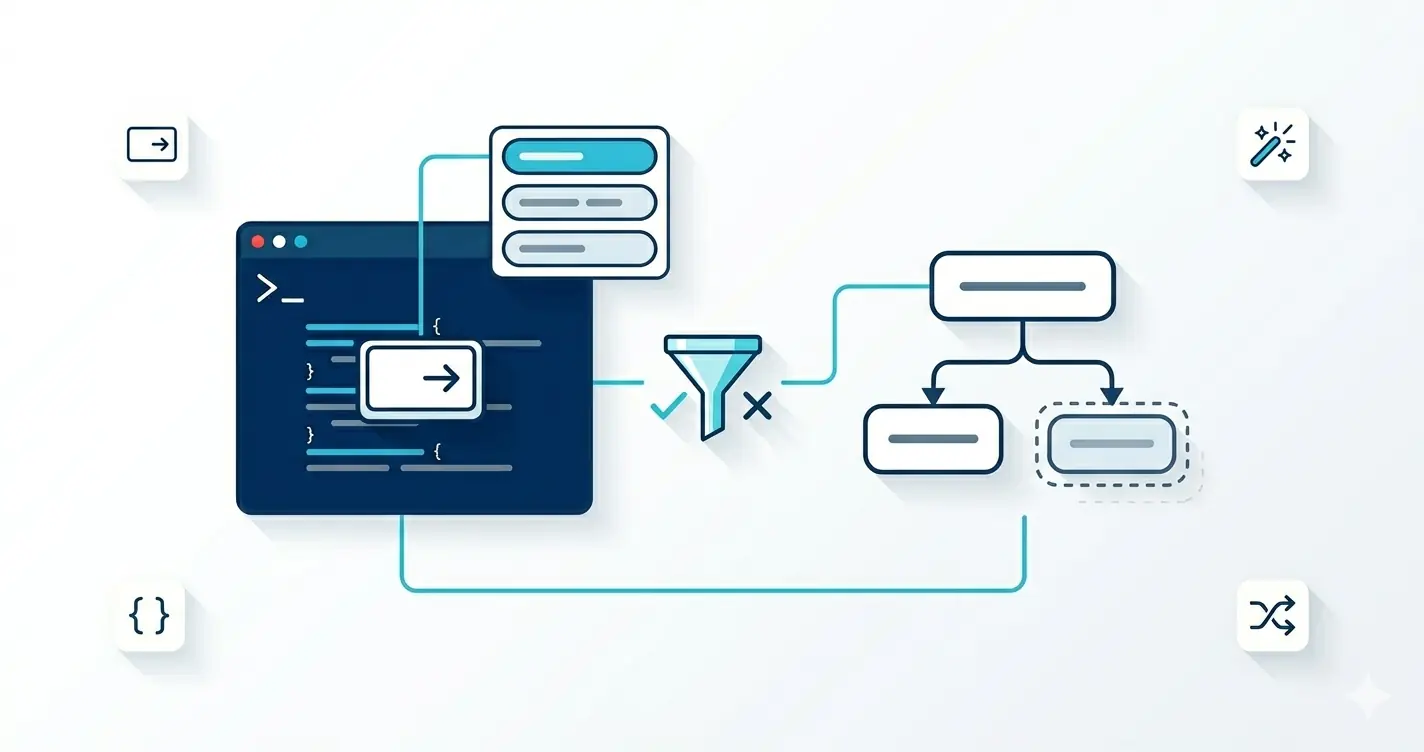
StopProcessingmaking your cmdlets cancel cleanly on Ctrl-C and stream results fromIAsyncEnumerable<T>. Covered in the async cmdlets post. - Argument completers and dynamic parameters Tab-completion that queries a live system, plus parameters that appear conditionally. Covered in argument completers and dynamic parameters.
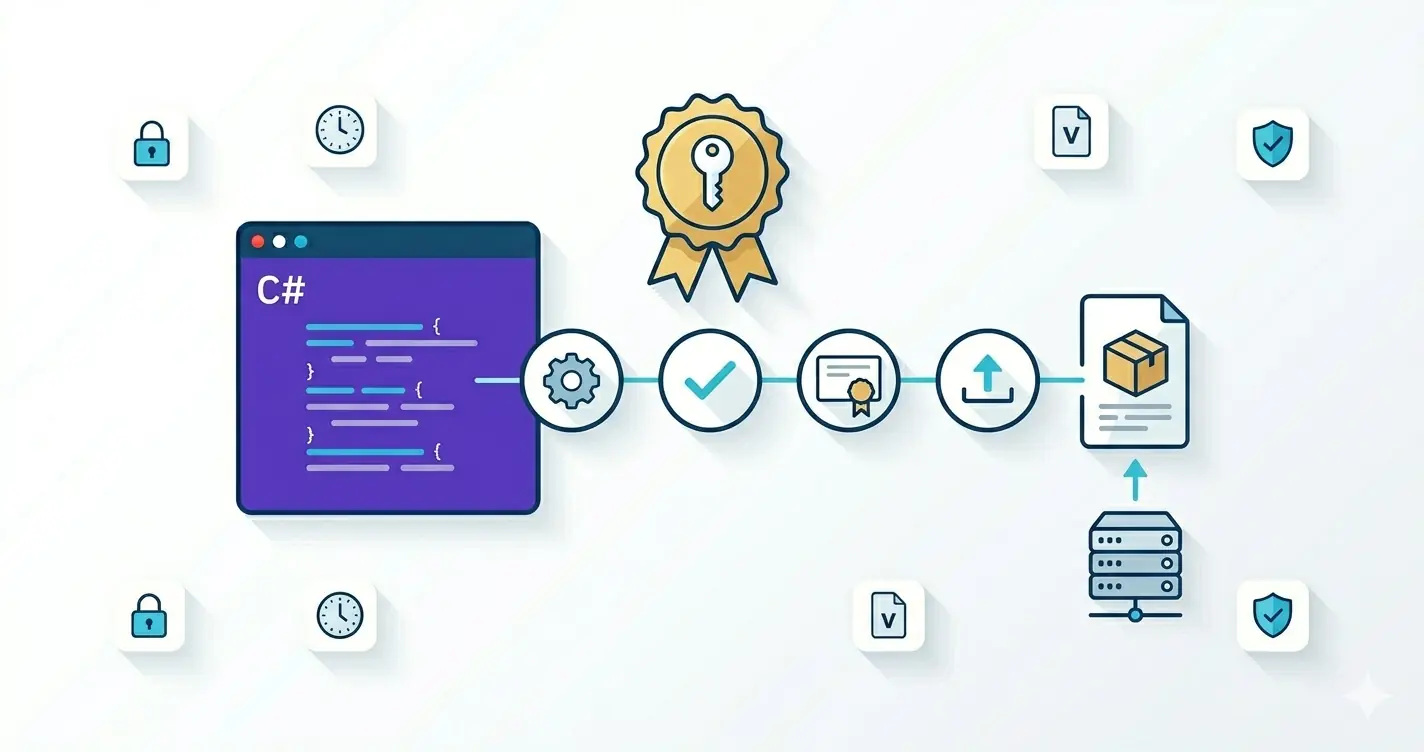
- Publishing, signing, and CI building, code-signing, packaging, and pushing to a private Gallery (or your own GitLab feed). Covered in publishing and signing compiled modules.
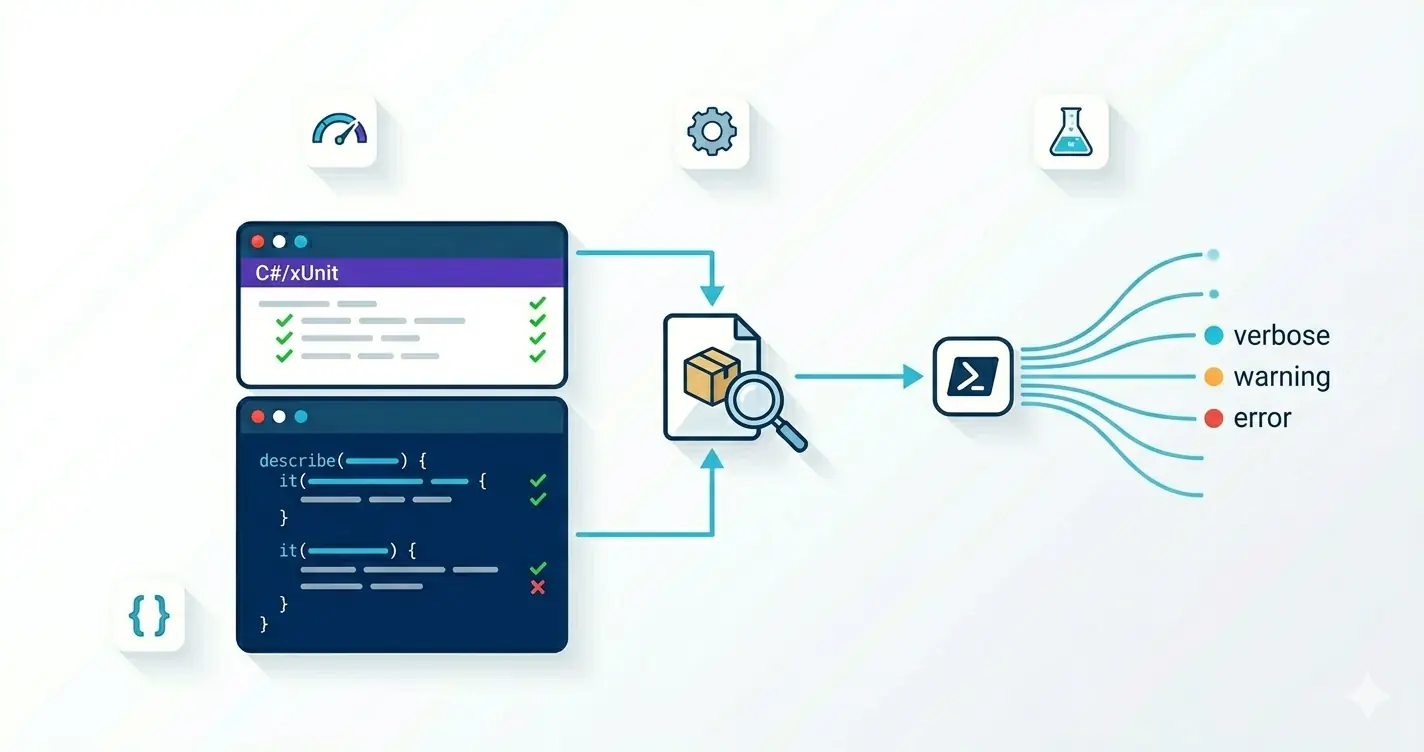
- Testing C# cmdlets Pester for behavior, xUnit for internals, fakes for
PSCmdletinfrastructure. Covered in testing C# cmdlets.
Beyond those, future deep dives worth doing later:
- Native AOT compilation of binary modules (.NET 10 makes this much more practical).
- Custom
PSObjectadapters for non-CLR data sources. - Hosting the Powershell SDK in your own .NET app.
- Cross-platform native interop with
LibraryImport.
What to Do Next
A binary module is one csproj, one PSCmdlet subclass, and a manifest pointing at the assembly. The C# attribute model maps directly onto the advanced-function metadata you already know, but you trade param() blocks for compile-time errors, sub-millisecond startup, and the full BCL within reach. Use compiled modules for hot-path or library-grade work; keep script for orchestration.
Three concrete moves for the next module you start:
- Convert one hot-path script cmdlet to C#. Pick a function that's been showing up in profilers or that needs a CLR type you can't easily reach from script. The diff between script and binary is rarely as scary as people remember.
- Set
LoadContexttoDefaultand pin your dependencies. Module assembly loading is the single most common reason a binary module "works on my box" and breaks elsewhere. Assume conflicts and design for them upfront. - Ship a manifest, not a loose DLL. A
.psd1withRootModule,RequiredAssemblies, and explicitCmdletsToExportis the only wayInstall-PSResourceand signing pipelines behave predictably.
Pairs naturally with the async cmdlets post (when the cmdlet body actually needs to await something) and the completers and dynamic parameters post (when you want the parameter binder to do real work).