This guide assumes Powershell 5.1 or 7+, and that you have written at least one advanced function before.
Why Pester 5 (and Not 4)
Pester 5 split the test lifecycle into two phases discovery and run and that single change broke nearly every Pester 4 pattern on the internet. Most "Pester" blog posts you'll find still use v4 idioms that silently misbehave on v5.
Install-Module Pester -MinimumVersion 5.5.0 -Scope CurrentUser -Force -SkipPublisherCheck
Import-Module Pester -MinimumVersion 5.5.0
If
Get-Module Pester -ListAvailableshows both 3.x (shipped with Windows) and 5.x, always import the 5.x version explicitly. Pester does not auto-pick the newest one.
The Skeleton
Describe 'Get-Widget' {
    BeforeAll {
        . $PSScriptRoot/../src/Get-Widget.ps1
    }

    It 'returns a widget by id' {
        $result = Get-Widget -Id 1
        $result.Id   | Should -Be 1
        $result.Name | Should -Not -BeNullOrEmpty
    }
}
Three rules that will save hours:
- Dot-source the SUT (system under test) inside
BeforeAll, never at the top of the file. The top runs during discovery and the file may not exist yet. - Use
$PSScriptRootfor paths. Pester runs from whereverInvoke-Pesterwas launched. - Variables defined inside
BeforeAllare visible toItblocks, but variables defined at the file scope are not. Pester 5 enforces a clean scope per block.
Discovery vs Run
This is the single most misunderstood Pester 5 concept.
Describe 'Bad pattern' {
    $files = Get-ChildItem ./fixtures   # runs during DISCOVERY
    foreach ($f in $files)
    {
        It "processes $($f.Name)" { ... }
    }
}
That works, but Get-ChildItem runs during discovery before any BeforeAll has executed. If ./fixtures is created by BeforeAll, the loop sees nothing.
The fix is -ForEach:
Describe 'Good pattern' {
    BeforeDiscovery {
        $files = Get-ChildItem ./fixtures
    }

    It "processes <Name>" -ForEach $files {
        # $Name, $FullName, etc. are available because $files was an array of FileInfo
        Test-Path $FullName | Should -BeTrue
    }
}
BeforeDiscovery runs in the discovery phase and feeds -ForEach, which expands to one It per element with the object's properties bound as variables.
Fixtures and Setup
Describe 'Save-Report' {
    BeforeAll {
        . $PSScriptRoot/../src/Save-Report.ps1
        $script:tempDir = Join-Path $TestDrive 'reports'
        $null = New-Item -ItemType Directory -Path $script:tempDir
    }

    BeforeEach {
        Get-ChildItem $script:tempDir | Remove-Item -Force
    }

    AfterAll {
        # $TestDrive is auto-cleaned, no manual cleanup needed
    }

    It 'writes a CSV with the expected headers' {
        Save-Report -Path "$script:tempDir/out.csv" -Data @(@{ Id = 1; Name = 'a' })
        $first = (Get-Content "$script:tempDir/out.csv" -TotalCount 1)
        $first | Should -Be '"Id","Name"'
    }
}
$TestDriveis a Pester-provided temp folder that's cleaned up automatically perDescribe. Use it for any file I/O instead of writing to$env:TEMP.
Mocking Where Pester Earns Its Keep
The single most important Pester skill is mocking external dependencies.
Basic Mock
Describe 'Send-Alert' {
    BeforeAll {
        . $PSScriptRoot/../src/Send-Alert.ps1
    }

    It 'calls Invoke-RestMethod with the right URL' {
        Mock Invoke-RestMethod { @{ status = 'ok' } }

        Send-Alert -Message 'hello'

        Should -Invoke Invoke-RestMethod -Times 1 -Exactly -ParameterFilter {
            $Uri -eq 'https://hooks.example.com/incoming' -and
            $Method -eq 'Post'
        }
    }
}
Mocking a Module Function
The cmdlet you want to mock often lives in a module. Mock looks at the caller's module scope, so you have to tell Pester where to apply the mock.
Describe 'Get-StaleUser' {
    BeforeAll {
        Import-Module ActiveDirectory
        . $PSScriptRoot/../src/Get-StaleUser.ps1
    }

    It 'flags users idle for > 90 days' {
        Mock Get-ADUser -ModuleName MyOpsModule {
            @(
                [pscustomobject]@{ SamAccountName = 'alice'; LastLogonDate = (Get-Date).AddDays(-100) }
                [pscustomobject]@{ SamAccountName = 'bob';   LastLogonDate = (Get-Date).AddDays(-10)  }
            )
        }

        $stale = Get-StaleUser -Days 90
        $stale.SamAccountName | Should -Be 'alice'
    }
}
The
-ModuleNameargument is the module that contains the function under test, not the module that exportsGet-ADUser. Get this wrong and your realGet-ADUserwill be called silently.
Conditional Mocks
Multiple Mock calls with -ParameterFilter let you simulate different responses per input:
Mock Invoke-RestMethod -ParameterFilter { $Uri -like '*/users/1' } { @{ id = 1; name = 'alice' } }
Mock Invoke-RestMethod -ParameterFilter { $Uri -like '*/users/2' } { @{ id = 2; name = 'bob'   } }
Mock Invoke-RestMethod                                              { throw 'unexpected URL' }
The most-specific (last-defined) mock wins. The unparameterized one acts as a "fail loudly" catch-all extremely useful for catching tests that drifted from the API contract.
Data-Driven Tests
-ForEach and -TestCases turn one It into many.
function ConvertTo-Slug([string]$InputString)
{
    return ($InputString -replace '(^\s+|\s+$)', '' -replace '(\s+|_|\(|\)|\\|\/|\[|\]|\{|\})', '-').ToLower();
}
BeforeAll {
    . "$PSScriptRoot/ConvertTo-Slug.ps1"
}

Describe 'ConvertTo-Slug' {

    It "converts '<inputString>' to '<expected>'" -ForEach @(
        @{ inputString = 'Hello World'; expected = 'hello-world' }
        @{ inputString = "  Mixed  Case "; expected = 'mixed-case' }
        @{ inputString = 'with/slash'; expected = 'with-slash' }
    ) {
        ConvertTo-Slug $inputString | Should -Be $expected
    }
}
Each hashtable becomes a separate test with its keys bound as variables. The test name placeholders <input> and <expected> interpolate from the same hashtable.
Tags, Filters, and Skipping
Describe 'Slow integration tests' -Tag 'Integration', 'Slow' {
    It 'hits the live API' { ... }
}

Describe 'Unit tests' -Tag 'Unit' {
    It 'runs in milliseconds' { ... }
}
Invoke-Pester -Tag Unit                       # fast loop
Invoke-Pester -ExcludeTag Slow                # default CI run
Invoke-Pester -Tag Integration -Output Detailed
For one-off skips:
It 'flaky test' -Skip { ... }
It 'platform-specific' -Skip:(-not $IsWindows) { ... }
Configuration Object The Modern Entry Point
Invoke-Pester with positional parameters is the v4 way. Use the configuration object:
$config = New-PesterConfiguration
$config.Run.Path                  = './tests'
$config.Run.Exit                  = $true
$config.TestResult.Enabled        = $true
$config.TestResult.OutputFormat   = 'NUnitXml'
$config.TestResult.OutputPath     = './TestResults.xml'
$config.CodeCoverage.Enabled      = $true
$config.CodeCoverage.Path         = './src/*.ps1'
$config.CodeCoverage.OutputPath   = './coverage.xml'
$config.CodeCoverage.OutputFormat = 'JaCoCo'
$config.Output.Verbosity          = 'Detailed'

Invoke-Pester -Configuration $config
CI Integration
A drop-in GitHub Actions job:
name: tests
on: [push, pull_request]
jobs:
  pester:
    strategy:
      matrix:
        os: [ubuntu-latest, windows-latest]
    runs-on: ${{ matrix.os }}
    steps:
      - uses: actions/checkout@v4
      - shell: pwsh
        run: |
          Set-PSRepository PSGallery -InstallationPolicy Trusted
          Install-Module Pester -MinimumVersion 5.5.0 -Force -SkipPublisherCheck
          ./build/Run-Tests.ps1
      - uses: actions/upload-artifact@v4
        if: always()
        with:
          name: test-results-${{ matrix.os }}
          path: |
            TestResults.xml
            coverage.xml
Run-Tests.ps1 is the configuration block above. The matrix gives you Powershell 7 on both Windows and Linux for free.
Advanced: Testing Module Internals
Functions that are not exported can't be called from your tests directly. Two clean options:
A. Use InModuleScope to enter the module:
Describe 'Internal helper' {
    BeforeAll { Import-Module $PSScriptRoot/../MyOps.psd1 -Force }

    It 'normalizes input' {
        InModuleScope MyOps {
            Format-InternalKey 'Foo Bar' | Should -Be 'foo_bar'
        }
    }
}
B. Export the helper conditionally with a Pester flag in your .psm1. Heavier prefer InModuleScope.
Advanced: Asserting Pipeline Behavior
It 'streams results, not collects' {
    $sw = [Diagnostics.Stopwatch]::StartNew()
    $first = 1..1000000 | Get-Even | Select-Object -First 1
    $sw.Stop()

    $first              | Should -Be 2
    $sw.ElapsedMilliseconds | Should -BeLessThan 100
}
If Get-Even collects internally instead of streaming, the test fails. Time-bounded assertions are an underused but very effective way to lock in pipeline contracts.
Advanced: Custom Assertions
function Should-BeValidGuid
{
    param($ActualValue, [switch]$Negate)
    $ok = [guid]::TryParse($ActualValue, [ref]([guid]::Empty))
    if ($Negate) { $ok = -not $ok }
    if (-not $ok)
    {
        throw "Expected a valid GUID, got '$ActualValue'"
    }
}

Add-ShouldOperator -Name BeValidGuid -InternalName Should-BeValidGuid -Test ([scriptblock]::Create('Should-BeValidGuid @args'))

It 'returns a guid' {
    (New-Token).Id | Should -BeValidGuid
}
Custom operators keep test intent readable when the same shape assertion shows up across dozens of tests.
What to Do Next
Pester 5 is a real testing framework: discovery/run, scoped fixtures, proper mocking, data-driven tests, and a clean CI story. Use the configuration object, mock at the right module scope, lean on -ForEach, and tag your slow tests so the inner loop stays fast.
Three concrete moves to start a real Pester practice this week:
- Pick the most fragile script in your repo (the one with a history of "it broke after my change") and write three tests: one for the happy path, one for the most common error, one for an edge case you've actually been bitten by. That's enough to catch 90% of regressions.
- Add
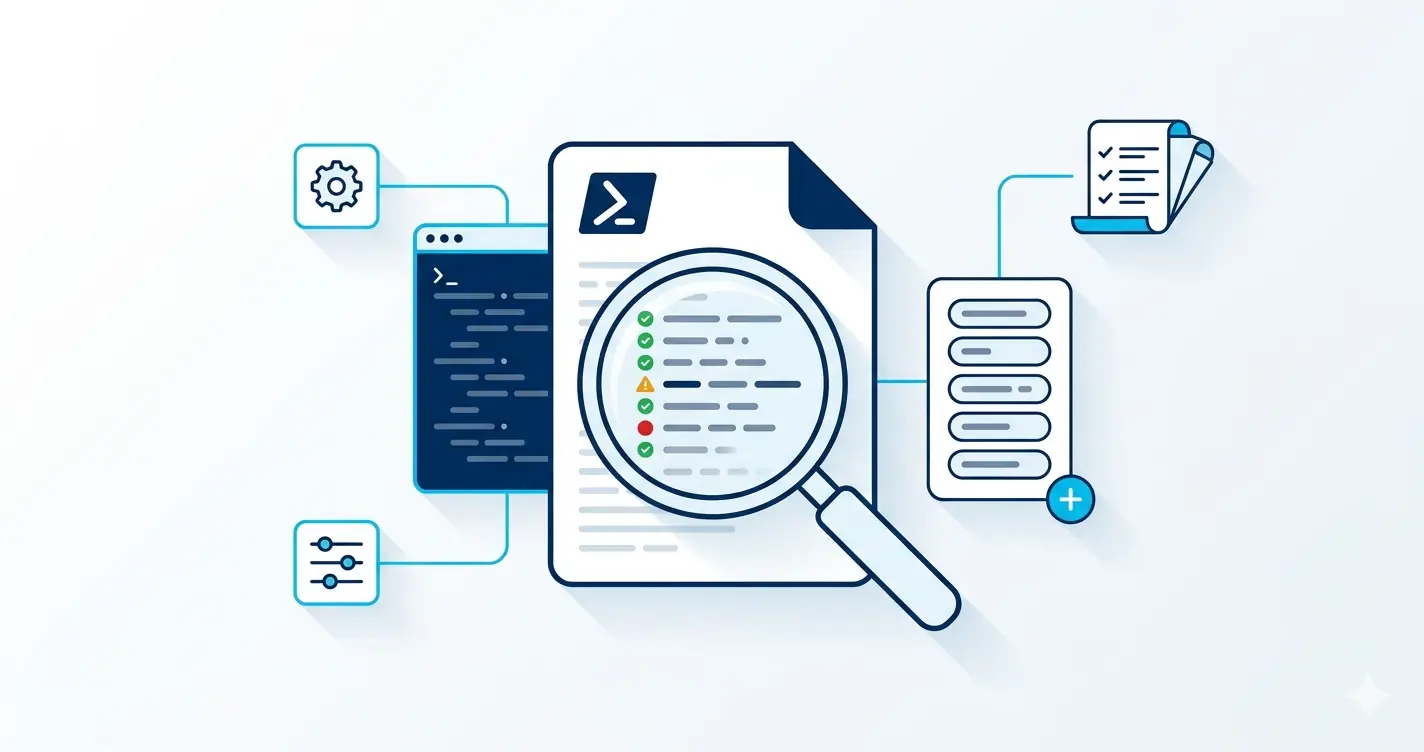
Tag 'Fast'to every test that runs in <100ms, then makeInvoke-Pester -Tag Fastyour pre-commit step. The slow integration tests still run in CI; the inner loop stays under a second. - Wire the PSScriptAnalyzer post's linter into the same CI step. Pester catches behaviour bugs; the analyzer catches structural ones. Together they cover most of what you'd otherwise catch in code review.
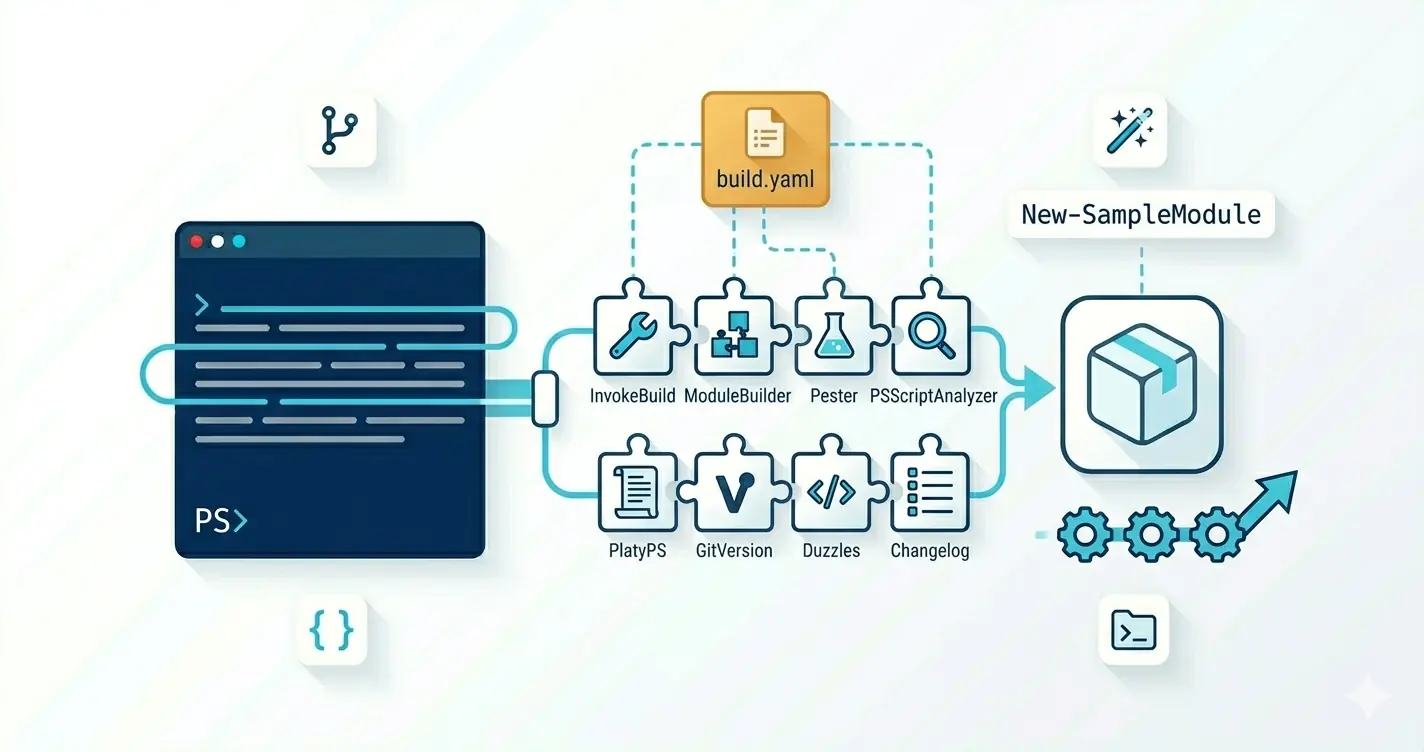
Pairs naturally with the error-handling post (testing the error path is half of what makes a function trustworthy) and the Sampler post (Sampler scaffolds the Pester + analyzer + CI structure end to end so you skip the boilerplate).