This guide continues the Active Directory at Scale series. It assumes Domain Admin rights for initial bootstrap, PowerShell 7 on the admin host, and the
ActiveDirectory+PSPKImodules.
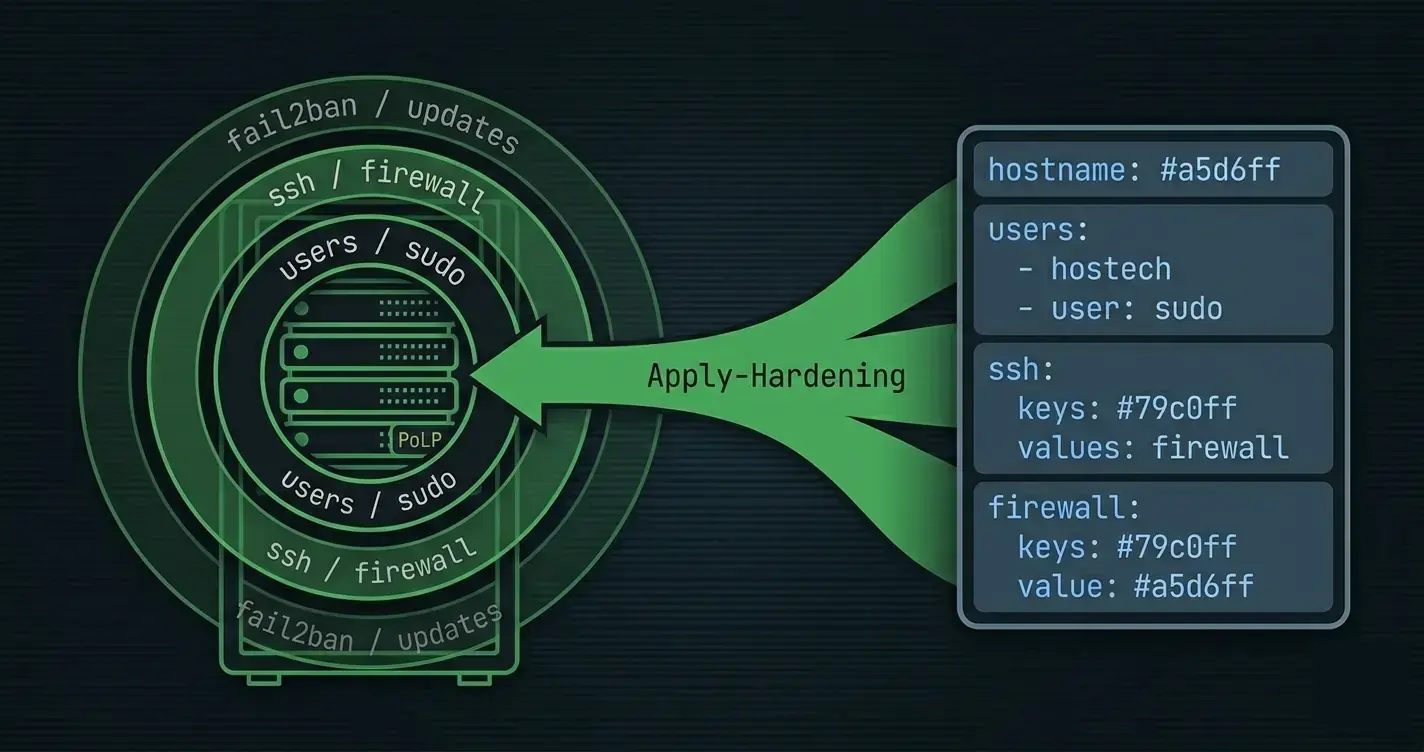
The best AD security documentation was written by Microsoft around 2016 (the original "Securing Privileged Access" roadmap) and has aged remarkably well. Almost none of it gets implemented, because the instructions read like a two-week project and the first OU structure change touches 400 objects. That's exactly the problem idempotent scripts solve: define the baseline once in YAML, run the reconciler nightly, let drift reports tell you who's bending the rules.
This post codifies the AD-specific pieces of a hardening program. It does not repeat JEA (covered in the JEA post). What's here is the directory itself: who can do what to whom, and how the reconciler keeps that honest.
The Controls Worth Automating
In rough priority order, ranked by "blast radius when wrong":
- Tiered admin model Tier 0 (domain/forest), Tier 1 (servers), Tier 2 (workstations). Accounts in each tier can only authenticate into that tier.
- AdminSDHolder and Protected Users who
adminCount=1covers and who's inProtected Users(Kerberos-only, no NTLM, no cached creds). - Delegation and ACL baselines who can reset passwords, create accounts, replicate secrets, write SPNs.
- Kerberos policy AES-only, short ticket lifetimes, no unconstrained delegation, no RC4.
- Audit policy for AD what gets logged, where it goes, what gets alerted.
All five map cleanly onto Get-Test-Set. Every one of them should run in audit-only mode for weeks before it runs in enforce mode the drift report is the plan, the remediation is the project.
1. Tiered Admin Model
The groups
Four groups per tier, created under OU=Tier{N},OU=Admin,DC=corp,DC=example,DC=com:
tiers:
  - number: 0
    groups:
      - id: t0.admins          # daily-use admin accounts for Tier 0
      - id: t0.service          # service accounts that need Tier 0 scope
      - id: t0.workstations     # PAWs that Tier 0 admins log in from
      - id: t0.servers          # Tier 0 servers (DCs, PKI, AAD Connect)
  - number: 1
    groups:
      - id: t1.admins
      - id: t1.service
      - id: t1.workstations
      - id: t1.servers
  - number: 2
    groups:
      - id: t2.admins
      - id: t2.service
      - id: t2.workstations
      - id: t2.servers
The reconciler creates / reconciles all twelve groups via the AD-as-code approach, scoped to the admin OU.
The enforcement authentication policy silos
Authentication policy silos are AD's native mechanism for binding principals into a tier. A silo says "members of this silo can only authenticate when coming from a host in this silo." Under the hood it's a Kerberos-armoring check.
function Set-AuthSiloCompliance
{
    [CmdletBinding(SupportsShouldProcess, ConfirmImpact = 'High')]
    param(
        [Parameter(Mandatory)] [string]$SiloId,
        [Parameter(Mandatory)] [string[]]$UserGroups,
        [Parameter(Mandatory)] [string[]]$ComputerGroups,
        [Parameter(Mandatory)] [string[]]$ServiceGroups
    )

    begin
    {
        Write-Verbose -Message '[Set-AuthSiloCompliance] Begin'
    }

    process
    {
        $ErrorActionPreference = 'Stop'

        $actions = New-Object System.Collections.Generic.List[string]
        $errors  = New-Object System.Collections.Generic.List[string]

        $current = Get-ADAuthenticationPolicySilo -Identity $SiloId -ErrorAction SilentlyContinue

        if (-not $current)
        {
            if ($PSCmdlet.ShouldProcess($SiloId, 'Create authentication policy silo'))
            {
                $siloParams = @{
                    Name        = $SiloId
                    Enforce     = $false    # start in audit mode
                    Description = "Tier-$($SiloId.Replace('Silo-Tier',''))"
                    ErrorAction = 'Stop'
                }

                try
                {
                    $null = New-ADAuthenticationPolicySilo @siloParams
                    $actions.Add('Created silo')
                }
                catch [Microsoft.ActiveDirectory.Management.ADException]
                {
                    $errors.Add(('New-ADAuthenticationPolicySilo failed for {0}: {1}' -f $SiloId, $_.Exception.Message))
                    throw
                }
                catch
                {
                    $errors.Add(('Unexpected error creating silo {0}: {1}' -f $SiloId, $_.Exception.Message))
                    throw
                }
            }
        }

        # Desired members: expand groups to DN lists
        $desiredMembers = @()

        foreach ($g in $UserGroups + $ComputerGroups + $ServiceGroups)
        {
            $grp = Find-AdObjectById -Id $g -SearchBase (Get-ADRootDSE).defaultNamingContext

            if ($grp)
            {
                $desiredMembers += (Get-ADGroupMember -Identity $grp.DistinguishedName -Recursive).DistinguishedName
            }
        }

        $currentMembers = (Get-ADAuthenticationPolicySilo -Identity $SiloId -Properties Members).Members
        $missing        = $desiredMembers | Where-Object { $_ -notin $currentMembers }
        $extra          = $currentMembers | Where-Object { $_ -notin $desiredMembers }

        foreach ($m in $missing)
        {
            if ($PSCmdlet.ShouldProcess("$SiloId + $m", 'Grant silo membership'))
            {
                try
                {
                    Grant-ADAuthenticationPolicySiloAccess -Identity $SiloId -Account $m -ErrorAction Stop
                    $actions.Add(('Granted {0}' -f $m))
                }
                catch [Microsoft.ActiveDirectory.Management.ADIdentityNotFoundException]
                {
                    $errors.Add(('Account {0} not visible on this DC (replication lag) when granting to {1}' -f $m, $SiloId))
                    throw
                }
                catch
                {
                    $errors.Add(('Grant-ADAuthenticationPolicySiloAccess failed for {0} on {1}: {2}' -f $m, $SiloId, $_.Exception.Message))
                    throw
                }
            }
        }

        foreach ($m in $extra)
        {
            if ($PSCmdlet.ShouldProcess("$SiloId - $m", 'Revoke silo membership'))
            {
                try
                {
                    Revoke-ADAuthenticationPolicySiloAccess -Identity $SiloId -Account $m -Confirm:$false -ErrorAction Stop
                    $actions.Add(('Revoked {0}' -f $m))
                }
                catch [Microsoft.ActiveDirectory.Management.ADIdentityNotFoundException]
                {
                    # Account already gone - treat as converged.
                    $errors.Add(('Account {0} already absent from {1} (no-op)' -f $m, $SiloId))
                    Write-Verbose -Message $errors[-1]
                }
                catch
                {
                    $errors.Add(('Revoke-ADAuthenticationPolicySiloAccess failed for {0} on {1}: {2}' -f $m, $SiloId, $_.Exception.Message))
                    throw
                }
            }
        }

        [pscustomobject]@{
            SiloId  = $SiloId
            Changed = $actions.Count -gt 0
            Actions = $actions.ToArray()
            Errors  = $errors.ToArray()
        }
    }

    end
    {
        Write-Verbose -Message '[Set-AuthSiloCompliance] End'
    }
}
Flip -Enforce $true only after two consecutive weekly drift reports show zero members outside the silo. Enforcing before that will lock out real admins on Monday morning.
2. AdminSDHolder and Protected Users
AdminSDHolder cleanup
Any account that was once a member of a "protected" group (Domain Admins, Enterprise Admins, Account Operators, Server Operators, etc.) gets adminCount=1 stamped on it and has its ACL rewritten every 60 minutes from the AdminSDHolder object's template. If you remove that account from the privileged group, the flag stays, and the account's ACL stays locked to the AdminSDHolder template forever. Most domains have a long tail of orphan adminCount=1 objects from people who were briefly in Domain Admins ten years ago.
function Get-OrphanAdminCount
{
    [CmdletBinding()]
    [OutputType([pscustomobject[]])]
    param([string]$SearchBase)

    begin
    {
        Write-Verbose -Message '[Get-OrphanAdminCount] Begin'
    }

    process
    {
        $protectedGroupSids = @(
            'S-1-5-32-544'   # BUILTIN\Administrators
            'S-1-5-32-548'   # Account Operators
            'S-1-5-32-549'   # Server Operators
            'S-1-5-32-550'   # Print Operators
            'S-1-5-32-551'   # Backup Operators
            (Get-ADDomain).DomainSID.Value + '-500'   # Administrator
            (Get-ADDomain).DomainSID.Value + '-512'   # Domain Admins
            (Get-ADDomain).DomainSID.Value + '-519'   # Enterprise Admins
            (Get-ADDomain).DomainSID.Value + '-516'   # Domain Controllers
            (Get-ADDomain).DomainSID.Value + '-521'   # Read-only DCs
        )

        $currentMembers = New-Object System.Collections.Generic.HashSet[string]
        foreach ($sid in $protectedGroupSids)
        {
            try
            {
                Get-ADGroupMember -Identity $sid -Recursive -ErrorAction Stop |
                    ForEach-Object { [void]$currentMembers.Add($_.DistinguishedName) }
            } catch { }
        }

        Get-ADObject -SearchBase $SearchBase -LDAPFilter '(adminCount=1)' -Properties sAMAccountName, adminCount, objectClass, whenChanged |
            Where-Object { $_.DistinguishedName -notin $currentMembers } |
            Select-Object DistinguishedName, sAMAccountName, objectClass, whenChanged
    }

    end
    {
        Write-Verbose -Message '[Get-OrphanAdminCount] End'
    }
}
The Set-* side clears adminCount, re-enables inheritance on the ACL, and lets the normal OU ACL flow take over:
function Reset-OrphanAdminCount
{
    [CmdletBinding(SupportsShouldProcess, ConfirmImpact = 'High')]
    param([Parameter(Mandatory, ValueFromPipeline)] [pscustomobject]$Orphan)

    begin
    {
        Write-Verbose -Message '[Reset-OrphanAdminCount] Begin'
    }

    process
    {
        $ErrorActionPreference = 'Stop'

        if ($PSCmdlet.ShouldProcess($Orphan.DistinguishedName, 'Reset adminCount + restore inheritance'))
        {
            try
            {
                Set-ADObject -Identity $Orphan.DistinguishedName -Remove @{ adminCount = 1 } -ErrorAction Stop
            }
            catch [Microsoft.ActiveDirectory.Management.ADException]
            {
                Write-Error -Message ('Failed to clear adminCount on {0}: {1}' -f $Orphan.DistinguishedName, $_.Exception.Message)
                throw
            }

            try
            {
                $acl = Get-Acl -Path "AD:\$($Orphan.DistinguishedName)" -ErrorAction Stop
                $acl.SetAccessRuleProtection($false, $true)
                Set-Acl -Path "AD:\$($Orphan.DistinguishedName)" -AclObject $acl -ErrorAction Stop
            }
            catch [System.UnauthorizedAccessException]
            {
                Write-Error -Message ('Insufficient rights to restore inheritance on {0}: {1}' -f $Orphan.DistinguishedName, $_.Exception.Message)
                throw
            }
            catch
            {
                Write-Error -Message ('Failed to restore inheritance on {0}: {1}' -f $Orphan.DistinguishedName, $_.Exception.Message)
                throw
            }
        }
    }

    end
    {
        Write-Verbose -Message '[Reset-OrphanAdminCount] End'
    }
}
Protected Users
Protected Users is a Windows-2012R2+ group that applies a set of Kerberos-hardening constraints to members: no NTLM, no DES/RC4, no cached creds, no delegation. Tier 0 admin accounts must be in it. The reconciler enforces membership from YAML:
protectedUsers:
  includeMembersOf:
    - group:t0.admins
    - group:t0.service
The Get-Test-Set triple for Protected Users resolves includeMembersOf to a flat DN set and reconciles the group's membership. Again audit first. Two weeks of clean drift reports, then enforce.
3. ACL Baselines
ACLs on AD objects are the largest target surface in the whole directory. The reconciler covers two classes:
Standard delegations (positive we want these)
From YAML (see AD as code):
acls:
  - target:  ou.helpdesk-managed
    identity: grp.helpdesk
    rights:  [ResetPassword, ReadProperty, WriteProperty]
    applies: Descendants
Dangerous rights (negative we want these absent)
Some rights must never be granted outside Tier 0 (or sometimes outside specific Tier 0 roles):
forbiddenRights:
  - right: DS-Replication-Get-Changes-All     # DCSync
    permittedIdentities:
      - grp.t0.admins
      - identity:NT AUTHORITY\ENTERPRISE DOMAIN CONTROLLERS
    scope: domain
  - right: WriteDACL
    permittedIdentities:
      - grp.t0.admins
    scope: domain
The reconciler enumerates the actual ACL set in the domain and flags any ACE that grants one of the forbidden rights to a principal not in permittedIdentities:
function Test-ForbiddenAclCompliance
{
    [CmdletBinding()]
    [OutputType([pscustomobject[]])]
    param(
        [Parameter(Mandatory)] [string]$SearchBase,
        [Parameter(Mandatory)] [array]$ForbiddenRights
    )

    begin
    {
        Write-Verbose -Message '[Test-ForbiddenAclCompliance] Begin'
    }

    process
    {
        Get-ADObject -SearchBase $SearchBase -Filter * -Properties ntSecurityDescriptor |
            ForEach-Object {
                $obj = $_
                foreach ($ace in $obj.ntSecurityDescriptor.Access)
                {
                    foreach ($rule in $ForbiddenRights)
                    {
                        if ($ace.ObjectType -eq $rule.Guid -or
                            ($ace.ActiveDirectoryRights -band ([System.DirectoryServices.ActiveDirectoryRights]$rule.Right)))
                        {
                            $permitted = $rule.PermittedIdentities | ForEach-Object { (Resolve-Principal $_).Sid }
                            $aceSid = $ace.IdentityReference.Translate([System.Security.Principal.SecurityIdentifier]).Value
                            if ($aceSid -notin $permitted)
                            {
                                [pscustomobject]@{
                                    Target     = $obj.DistinguishedName
                                    Identity   = $ace.IdentityReference
                                    Right      = $rule.Right
                                    AceType    = $ace.AccessControlType
                                }
                            }
                        }
                    }
                }
            }
    }

    end
    {
        Write-Verbose -Message '[Test-ForbiddenAclCompliance] End'
    }
}
The output is a clean list of "here's who shouldn't have that right." Route it into your SIEM whatever log pipeline you already have for Windows events will accept it.
4. Kerberos Hardening
Four things to enforce:
msDS-SupportedEncryptionTypes = AES only
function Set-AesOnlyCompliance
{
    [CmdletBinding(SupportsShouldProcess)]
    param([Parameter(Mandatory)] [string]$SearchBase)

    begin
    {
        Write-Verbose -Message '[Set-AesOnlyCompliance] Begin'
    }

    process
    {
        $ErrorActionPreference = 'Stop'

        $errors = New-Object System.Collections.Generic.List[string]

        # 0x18 = AES128_CTS_HMAC_SHA1_96 + AES256_CTS_HMAC_SHA1_96
        $aesOnly = 0x18

        Get-ADUser -Filter { ServicePrincipalName -like '*' } -SearchBase $SearchBase -Properties msDS-SupportedEncryptionTypes |
            Where-Object { ($_.'msDS-SupportedEncryptionTypes' -band 0x7) -ne 0 -or
                           (-not $_.'msDS-SupportedEncryptionTypes') } |
            ForEach-Object {
                if ($PSCmdlet.ShouldProcess($_.DistinguishedName, 'Set AES-only encryption'))
                {
                    try
                    {
                        Set-ADUser -Identity $_.DistinguishedName -Replace @{ 'msDS-SupportedEncryptionTypes' = $aesOnly } -ErrorAction Stop
                    }
                    catch [Microsoft.ActiveDirectory.Management.ADException]
                    {
                        $errors.Add(('Set-ADUser failed for {0}: {1}' -f $_.DistinguishedName, $_.Exception.Message))
                        # Don't rethrow - one user shouldn't stop the whole sweep.
                        Write-Error -ErrorRecord $_
                    }
                }
            }

        # Same for computer accounts with SPNs
        Get-ADComputer -Filter { ServicePrincipalName -like '*' } -SearchBase $SearchBase -Properties msDS-SupportedEncryptionTypes |
            Where-Object { ($_.'msDS-SupportedEncryptionTypes' -band 0x7) -ne 0 -or
                           (-not $_.'msDS-SupportedEncryptionTypes') } |
            ForEach-Object {
                if ($PSCmdlet.ShouldProcess($_.DistinguishedName, 'Set AES-only encryption'))
                {
                    try
                    {
                        Set-ADComputer -Identity $_.DistinguishedName -Replace @{ 'msDS-SupportedEncryptionTypes' = $aesOnly } -ErrorAction Stop
                    }
                    catch [Microsoft.ActiveDirectory.Management.ADException]
                    {
                        $errors.Add(('Set-ADComputer failed for {0}: {1}' -f $_.DistinguishedName, $_.Exception.Message))
                        Write-Error -ErrorRecord $_
                    }
                }
            }

        [pscustomobject]@{
            SearchBase = $SearchBase
            Errors     = $errors.ToArray()
        }
    }

    end
    {
        Write-Verbose -Message '[Set-AesOnlyCompliance] End'
    }
}
Know what breaks. Legacy appliances, some old Java keytabs, and pre-2008 NTLM-only hosts will fail Kerberos entirely with AES-only. The drift report identifies candidates verify each is modern before flipping.
No unconstrained delegation
Unconstrained Kerberos delegation means a server can impersonate any user who authenticates to it, against any service. It's a direct DA-escalation primitive when a server is compromised.
function Get-UnconstrainedDelegation
{
    [CmdletBinding()]
    [OutputType([pscustomobject[]])]
    param([Parameter(Mandatory)] [string]$SearchBase)

    begin
    {
        Write-Verbose -Message '[Get-UnconstrainedDelegation] Begin'
    }

    process
    {
        $computerParams = @{
            Filter     = { TrustedForDelegation -eq $true -and PrimaryGroupID -ne 516 }
            SearchBase = $SearchBase
            Properties = 'TrustedForDelegation','PrimaryGroupID','OperatingSystem'
        }
        Get-ADComputer @computerParams |
            Select-Object Name, OperatingSystem, DistinguishedName

        # Users are rare but scarier
        $userParams = @{
            Filter     = { TrustedForDelegation -eq $true }
            SearchBase = $SearchBase
            Properties = 'TrustedForDelegation'
        }
        Get-ADUser @userParams |
            Select-Object Name, sAMAccountName, DistinguishedName
    }

    end
    {
        Write-Verbose -Message '[Get-UnconstrainedDelegation] End'
    }
}
The PrimaryGroupID -ne 516 clause excludes domain controllers, which are always unconstrained (correctly). Everything else on the list wants a ticket-ticket to convert to constrained delegation with specific target SPNs.
KRBTGT rotation schedule
The krbtgt account's password encrypts every Kerberos ticket in the domain. Microsoft recommends rotating it twice yearly with Reset-KrbTgt (a script Microsoft publishes) once, wait a ticket-max-lifetime + max-clock-skew, then again. If it's been longer than that, a compromised krbtgt from any past point is still minting valid Golden Tickets.
Wrap that script in a scheduled pwsh job; record every rotation in the state file with a timestamp. The health check is days since last rotation < 180.
No weak trusts
forest trusts with external domains should have SIDFiltering and TGTDelegation = false. The reconciler reads trust properties and flags every trust that doesn't meet the baseline.
5. Audit Policy
Windows audit policy (the auditpol settings) belongs in a separate hardening pass; here we add the AD-specific bits directory-service access auditing on the objects that matter.
auditedAccess:
  - target: ou.tier0
    principals: [Everyone]
    rights: [WriteProperty, CreateChild, DeleteChild, ExtendedRight]
    auditFlag: Failure
  - target: krbtgt
    principals: [Everyone]
    rights: [ReadProperty, WriteProperty]
    auditFlag: Success
The reconciler takes the ntSecurityDescriptor.Audit ACL list (yes, it's parallel to Access) and applies the same Get-Test-Set pattern as normal ACLs. Events land in the Security event log under 4662; forward those to your SIEM with the rule from the SIEM post.
Running in Audit vs Enforce
Every one of the above controls has two modes. A flag on the state file picks:
mode: audit # audit | enforce
The reconciler short-circuits Set-* calls in audit mode and returns the Test-* results as a report. Daily:
./reconcile-baseline.ps1 -StateFile ./state/prod.yaml -WhatIf |
    ConvertTo-Json -Depth 5 |
    Set-Content "./reports/baseline-$(Get-Date -Format 'yyyy-MM-dd').json"

./reconcile-baseline.ps1 -StateFile ./state/prod.yaml -WhatIf |
    Where-Object Drifts | ForEach-Object { Send-GelfMessage @_ }
The promotion from audit to enforce is a conscious decision per control, per domain. A reasonable cadence:
- Weeks 1–2: audit the control, produce a drift report, share it with the team that owns the affected accounts.
- Weeks 3–4: fix the real drift, ignore the false positives, tighten the YAML until the report is empty two days in a row.
- Week 5: flip to enforce.
This is the only way I've seen tiered admin actually stick in a real environment.
The Runner
[CmdletBinding(SupportsShouldProcess)]
param(
    [Parameter(Mandatory)] [string]$StateFile,
    [ValidateSet('audit','enforce')] [string]$Mode = 'audit'
)

$ErrorActionPreference = 'Stop'
Import-Module ./src/ADOps/ADOps.psd1 -Force

$state = Get-Content $StateFile -Raw | ConvertFrom-Yaml
$dryRun = ($Mode -eq 'audit')

# 1. Tier silos
foreach ($tier in $state.tiers)
{
    $siloParams = @{
        SiloId         = "Silo-Tier$($tier.number)"
        UserGroups     = ($tier.groups | Where-Object { $_.id -like '*.admins' }).id
        ComputerGroups = ($tier.groups | Where-Object { $_.id -like '*.workstations' -or $_.id -like '*.servers' }).id
        ServiceGroups  = ($tier.groups | Where-Object { $_.id -like '*.service' }).id
        WhatIf         = $dryRun
    }
    Set-AuthSiloCompliance @siloParams
}

# 2. AdminSDHolder orphans
Get-OrphanAdminCount -SearchBase $state.searchBase | Reset-OrphanAdminCount -WhatIf:$dryRun

# 3. Forbidden ACLs (always audit; mutation requires a human review)
$forbidden = Test-ForbiddenAclCompliance -SearchBase $state.searchBase -ForbiddenRights $state.forbiddenRights
$forbidden | Export-Csv "./reports/forbidden-acls-$(Get-Date -Format yyyy-MM-dd).csv" -NoTypeInformation

# 4. Kerberos
Set-AesOnlyCompliance -SearchBase $state.searchBase -WhatIf:$dryRun
Get-UnconstrainedDelegation -SearchBase $state.searchBase |
    Export-Csv "./reports/unconstrained-$(Get-Date -Format yyyy-MM-dd).csv" -NoTypeInformation

# 5. Audit SACLs
foreach ($audit in $state.auditedAccess)
{
    Set-AuditAclCompliance -Desired $audit -WhatIf:$dryRun
}
Report files commit back to a reports/ branch; a small dashboard charts the trend of each metric over time. When the count of forbidden ACEs goes from 180 on day one to single digits, that's the progress story.
Gotchas
- Authentication policy silos need Kerberos armoring (FAST). If any DC in the forest doesn't support FAST (very old Windows 2008 R2 DCs), silo enforcement silently fails "open." Retire those DCs before enforcing.
Reset-KrbTgton a domain with RODCs has additional steps the RODC's secret differs from the regular one. Use Microsoft's published script, not a simpleSet-ADAccountPassword.DS-Replication-Get-Changes-All(DCSync) is legitimately needed by Azure AD Connect, some backup products, and Change Auditor-style tools. Flagging it isn't blocking it; map the legitimate uses, put them inpermittedIdentities, and alert on anything else.- Protected Users breaks cached-credential logins. Laptop users who travel can't use cached domain creds if they're in Protected Users. This is the conversation with your user base before flipping the control.
- AdminSDHolder runs hourly. After you clean an orphan, give it at least one SDProp cycle to confirm it stays clean. The reconciler's next run re-checks; if the orphan comes back, something external is still adding it to a protected group.
Final Notes
These aren't flashy controls. They fix attacks that already happened in other people's environments, not ones that happen to you tomorrow. But they stack: a domain with tiered admin + AES Kerberos + cleaned AdminSDHolder + forbidden-ACE reporting + Protected Users is dramatically harder to laterally move through than the default, and a reconciler keeps it that way as the domain evolves.
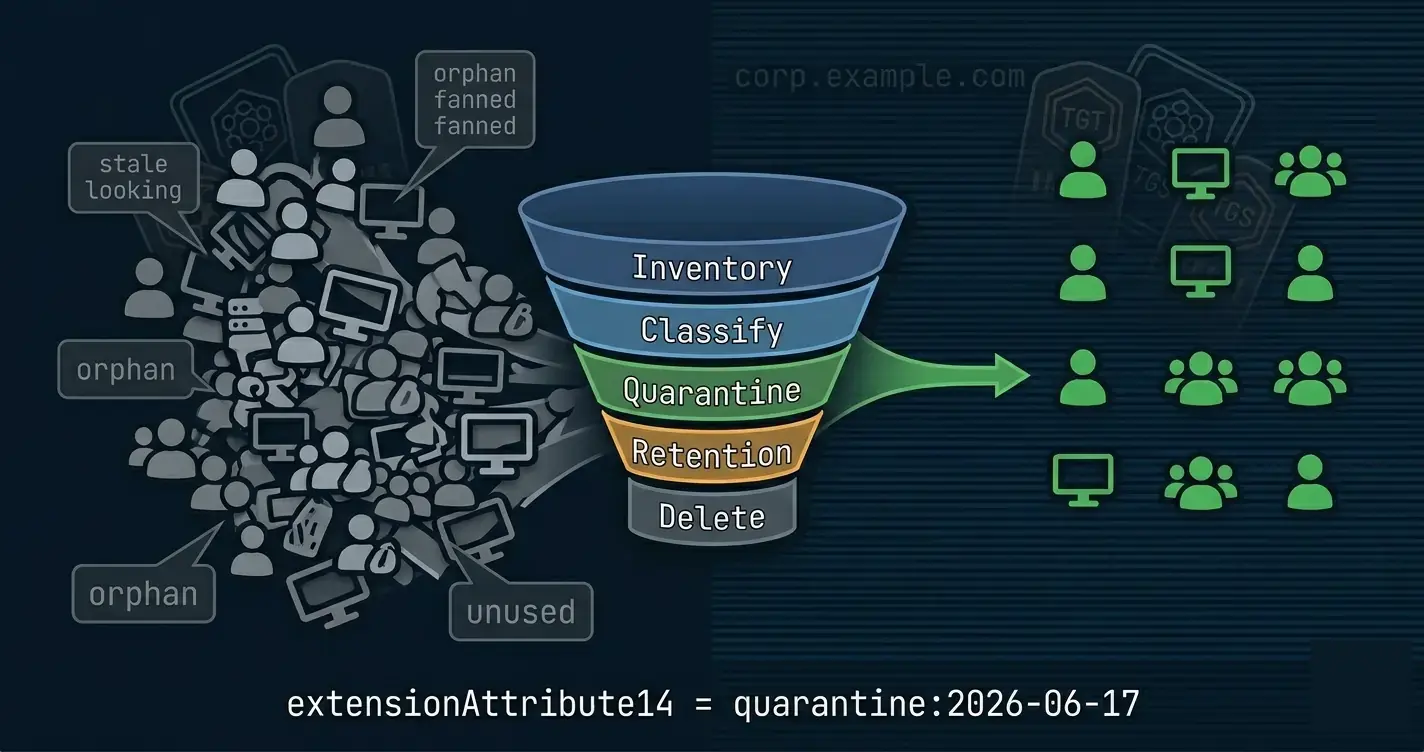
The final post in the series covers the other side of the coin removing the accumulated bloat that every long-lived AD carries. Less attack surface, smaller audit reports, and the same Get-Test-Set pattern keeping cleanup honest.