This guide assumes you already have a working Gitea instance (1.17 or later that's when the Package Registry shipped) and that you can log in as a user with package write permissions on a project.
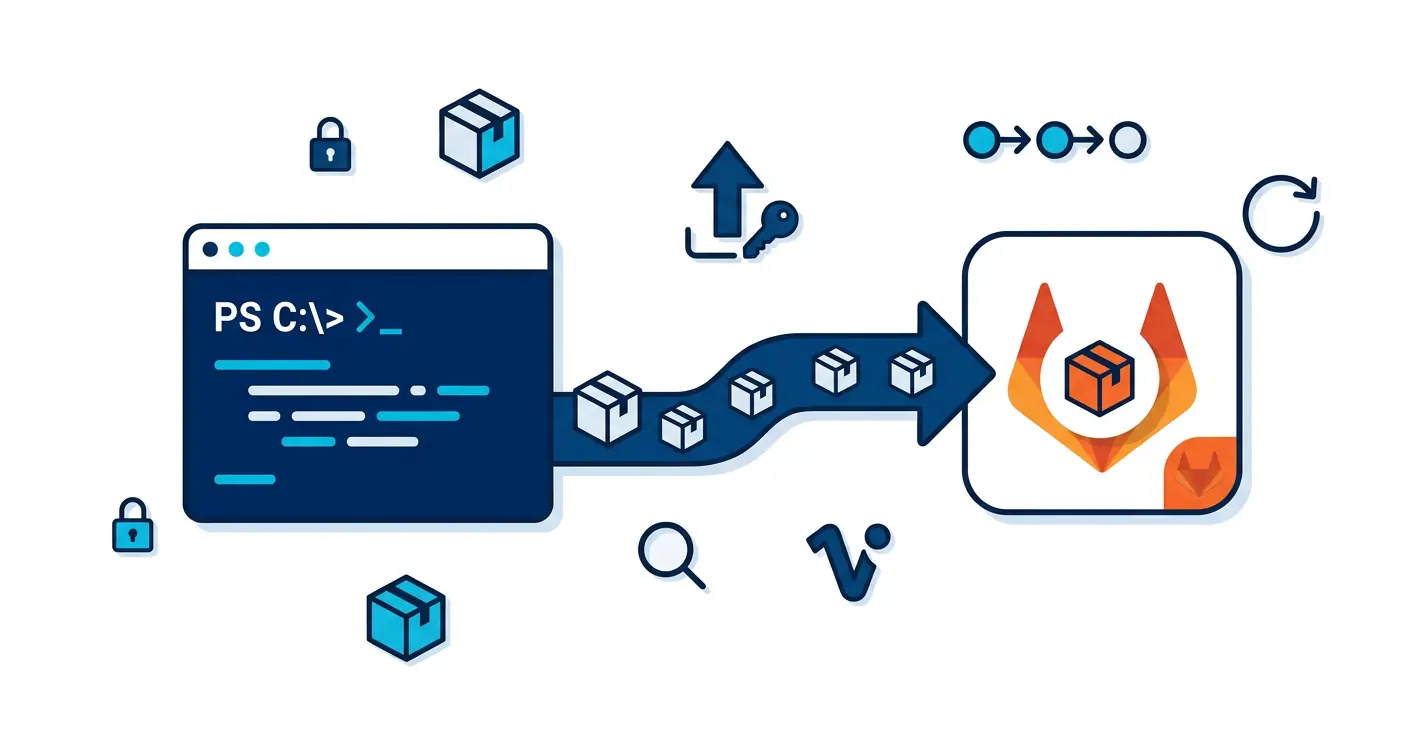
If you're looking for the GitLab equivalent, see the Gitlab Powershell repository post. The pattern is identical; only the URLs and tokens change.
PSResourceGet vs PowerShellGet v2: this post uses the modern
Register-PSResourceRepository/Publish-PSResource/Find-PSResource/Install-PSResourcecmdlets fromMicrosoft.PowerShell.PSResourceGet. PowerShell 7.4+ ships the module in the box; on 5.1/7.2+ install it withInstall-Module -Name Microsoft.PowerShell.PSResourceGet -Scope CurrentUser -Force.
Why Gitea Specifically
GitLab is the default answer for "private PowerShell module registry on infrastructure I already run". It also wants 4 GB of RAM, a Postgres instance, a Redis instance, and Sidekiq workers. For an organisation that already runs GitLab for source control, that overhead is paid for; for a small team or homelab where the only reason to spin GitLab up would be to host a NuGet feed, it's an order of magnitude more cost than the problem deserves.
Gitea is the same idea minus the weight. A single Go binary, a SQLite or Postgres backend, ~200 MB of RAM idle, and the same NuGet-compatible Package Registry GitLab ships. PSResourceGet doesn't know or care which one is on the other end of the URL. The choice is purely operational:
- You already run GitLab. Use it. The GitLab post is the same content.
- You run Gitea, or you run nothing yet. Use Gitea. The build below is what you read.
- You can't run a server at all. Use a file share; same PSResourceGet semantics, no infrastructure.
The rest of this post is the second case the entire setup of a private PowerShell module registry on Gitea, end to end, on hardware small enough to live on a Raspberry Pi.
Project Settings
The Package Registry is enabled per-repository. Open the repo in the Gitea UI and go to Settings -> Advanced Settings, then make sure "Packages" is checked under "Enable Repository Units".
If you want unauthenticated reads (i.e. anyone in your org can Find-PSResource and Install-PSResource without a token), set the repository Visibility to Public. Private repositories require a token for both read and write that's usually what you want anyway.
Gitea uses a single Package Registry per owner (user or organization), not per repository. Once enabled on any repo owned by
myorg, the URL…/api/packages/myorg/nuget/index.jsonworks for that whole owner's packages.
Create a Token
Powershell's Publish-PSResource and Find-PSResource need an API token. Tokens in Gitea live under your user profile, not the repo:
User Settings -> Applications -> Generate New Token
Give it:
- Name: something descriptive like
psgallery-publish. - Scopes:
write:packageandread:package(the minimum for publishing and listing).
Save the token in your secrets manager. Gitea shows it exactly once. Re-issuing one is cheap, but you'll lose any automation that hard-coded it.
Register the Repository
The Gitea Package Registry NuGet endpoint follows this format:
https://gitea.example.com/api/packages/<owner>/nuget/index.json
Replace <owner> with the username or organization that owns the repo. For an organization called ops:
$source = 'https://gitea.example.com/api/packages/ops/nuget/index.json'

$repoParams = @{
    Name    = 'gitea'
    Uri     = $source
    Trusted = $true
}

Register-PSResourceRepository @repoParams
Verify it's registered:
Get-PSResourceRepository -Name 'gitea'
You should see it listed with Trusted = True and the matching URI.
Publish a Module
Point Publish-PSResource at the new repository and authenticate with your token via -ApiKey. Publish-PSResource takes a -Path (the folder containing the .psd1), not a module name:
$publishParams = @{
    Path       = '.\MyModule'
    Repository = 'gitea'
    ApiKey     = '<Your Token>'
}

Publish-PSResource @publishParams
For a binary module built with the C# module pipeline, publish the staged version folder instead:
$publishParams = @{
    Path       = "./out/MyModule/$version"
    Repository = 'gitea'
    ApiKey     = $env:GITEA_TOKEN
}
Publish-PSResource @publishParams
-Pathmust point at the folder containing the.psd1, not at the.psd1itself and not at a parent folder. This is the most common "why won't it publish" mistake with PSResourceGet.
List All Modules
Find-PSResource -Repository 'gitea' -Name 'MyModule'
If the registry is private, the same call needs the token for read access:
$cred = [pscredential]::new(
    'any-username',
    (ConvertTo-SecureString $env:GITEA_TOKEN -AsPlainText -Force)
)
Find-PSResource -Repository 'gitea' -Name 'MyModule' -Credential $cred
The username field is ignored on token-based auth only the password (the token) is checked. Pass any non-empty string.
Install a Module
Install-PSResource -Name 'MyModule' -Repository 'gitea'
For private registries, same pattern with -Credential. Always pin a version on production. PSResourceGet uses NuGet version range syntax, so [1.4.7] means "exactly 1.4.7":
Install-PSResource -Name 'MyModule' -Repository 'gitea' -Version '[1.4.7]'
To save a module without installing (useful for air-gapped transfer):
Save-PSResource -Name 'MyModule' -Repository 'gitea' -Path 'D:\transfer\modules'
Pushing the Raw .nupkg
Publish-PSResource uses NuGet under the hood, but if you already have a packed .nupkg (e.g. from a dotnet pack step in CI), push it directly with curl:
curl --user "any-username:$GITEA_TOKEN" \
     --upload-file "MyModule.1.4.7.nupkg" \
     "https://gitea.example.com/api/packages/ops/nuget"
This is the path the C# publishing post takes the build pipeline produces a signed nupkg and the publish step is one curl.
A Minimal Gitea Actions / Drone Job
# .gitea/workflows/publish.yml
name: publish-module
on:
  push:
    tags: ['v*']

jobs:
  publish:
    runs-on: ubuntu-latest
    steps:
      - uses: actions/checkout@v4

      - name: Stage module
        shell: pwsh
        run: ./build/Stage-Module.ps1 -Version "${GITHUB_REF_NAME#v}"

      - name: Publish
        shell: pwsh
        env:
          GITEA_TOKEN: ${{ secrets.GITEA_TOKEN }}
        run: |
          $src = 'https://gitea.example.com/api/packages/ops/nuget/index.json'
          Register-PSResourceRepository -Name gitea -Uri $src -Trusted
          Publish-PSResource `
            -Path       "./out/MyModule/$($env:GITHUB_REF_NAME.TrimStart('v'))" `
            -Repository gitea `
            -ApiKey     $env:GITEA_TOKEN
Operational Notes
- Tokens are user-scoped. A token belongs to the user that created it. If that user leaves the org, the token dies with their account. For unattended automation, create a dedicated service account in Gitea and issue tokens against it.
- The cleanup endpoint exists.
DELETE /api/packages/{owner}/nuget/{id}/{version}removes a specific version. Useful when a bad release slips through, but never delete a version that's been installed in production bump and ship a fix instead. - Gitea has no built-in retention policy for the Package Registry. If your CI publishes pre-release versions on every PR, set up a periodic cleanup job, or you'll fill the disk.
- The OpenAPI docs are the authoritative reference for the Package Registry endpoints visit
/api/swaggeron your Gitea instance.
What to Do Tomorrow Morning
Three follow-ups that turn this from "I built a thing" into "we use the thing":
- Publish one real module. Not a hello-world, the most-shared internal helper module on your team.
Publish-PSResourceit once, then update the team's installation README to useInstall-PSResource -Repository gitea. A working concrete example beats five whitepaper paragraphs. - Wire the publish into Gitea Actions. The minimal workflow snippet above auto-publishes on a
v*tag. Add it to one repo this week. ManualPublish-PSResourcefrom a laptop is fine for the first module; the second one should never need a human in the loop. - Set up a retention job. Pre-release versions accumulate. A weekly script that deletes
*-rc*and*-pre*versions older than 30 days from the package API keeps the registry small and the legitimate releases easy to spot.
If your team eventually outgrows Gitea (you actually need fine-grained per-module ACLs, you publish hundreds of versions a month, you want signed-release vs nightly channels), the GitLab post is the same pattern at higher capacity. If you go the other way (air-gapped, no server at all), a plain file share keeps working without any of this infrastructure.